
Cosine and Sine Curve Construction from Unit Circle
Loading the math board and drawing, please wait…
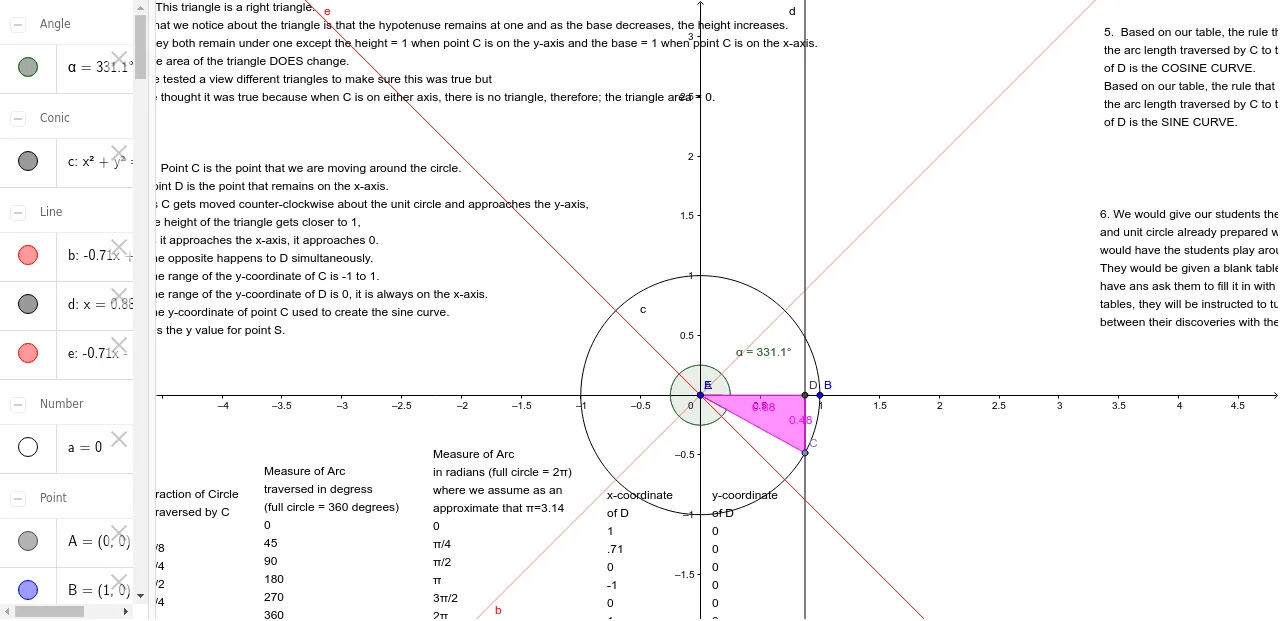
This example demonstrates constructing cosine and sine curves from the unit circle, involving trigonometric functions, linear equations, and piecewise functions. Key construction steps use GeoGebra commands like Intersect, Circle, Point, and OrthogonalLine. Suitable for high school students learning trigonometric graphs and coordinate geometry applications, also useful for math teaching demonstrations.
GeoGebra Commands & Parameters
Intersect(xAxis, yAxis) → ACircle(A, B) → cPoint(c) → COrthogonalLine(C, xAxis) → dIntersect(d, xAxis) → DPolygon(E, D, C) → poly1, c_1, e_1, d_1AngularBisector(yAxis, xAxis) → b, eAngle(B, E, C) → α
AI Drawing Prompt Reference
Draw a unit circle, take a point C on the circle, make a perpendicular line d from C to the x-axis, and connect points C, D, and E to form a triangle. Then draw the angle bisector of the x-axis and y-axis, and measure the angle BEC as α.
The prompt above was compiled from the original drawing commands and is for reference only.