
Copying Line Segments: Geometric Construction with Compass and Straightedge
Loading the math board and drawing, please wait…
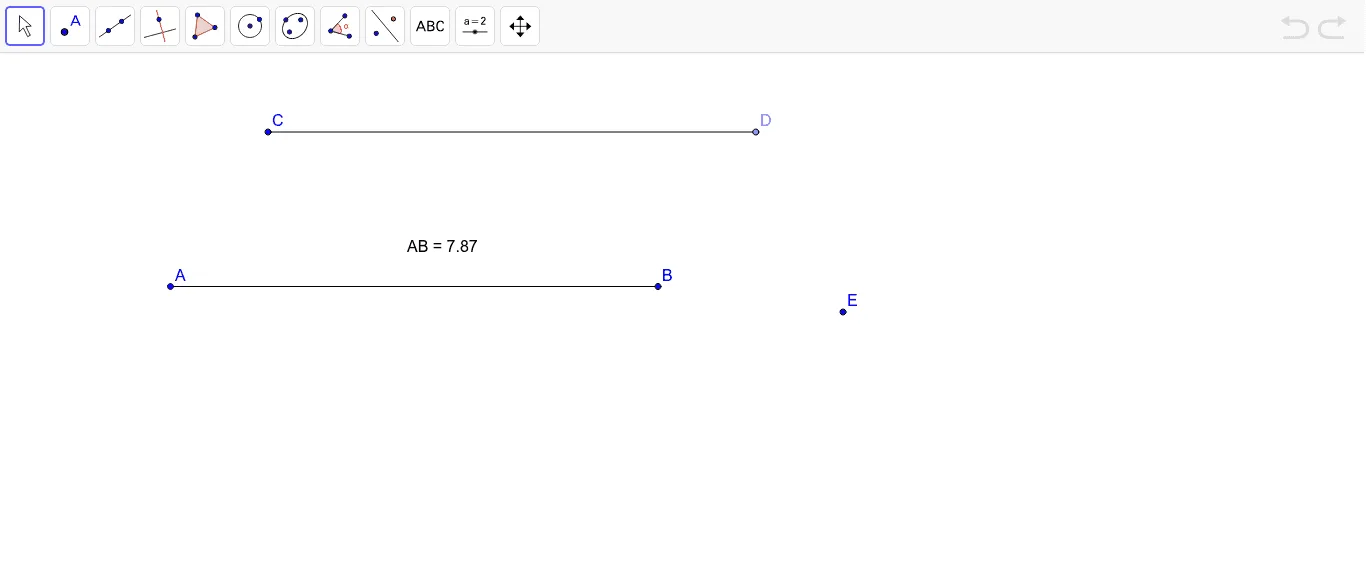
This GeoGebra example demonstrates how to copy a given line segment exactly, constructing a new segment of equal length using basic geometric construction principles. The core mathematical concept is the classic compass-and-straightedge operation of transferring a length, involving segments, distances, and points. The construction uses the Segment command to create the original segment AB, the Point command to place a new starting point C, the Distance command to measure the length of AB, and then implicitly uses a circle centered at C with that radius to locate a point E, finally connecting C to E with the Segment command to form the copied segment. This activity is ideal for middle school geometry classes, helping students understand the logic of geometric construction and how GeoGebra commands like Segment, Distance, and Point work together to replicate lengths accurately.
GeoGebra Commands & Parameters
Segment(A, B) → aDistance(A, B) → distanceABPoint(Circle[C, 7.87]) → DSegment(C, D) → b
AI Drawing Prompt Reference
Draw a given line segment, then place a new point outside one of its endpoints. Using this new point as the center, draw a circle with radius equal to the length of the original segment. Pick any point on the circle, and connect it to the center point with a straight line. This creates a new segment of the same length as the original. The figure includes two segments and one auxiliary circle, which ensures the copied segment matches the original length exactly.
The prompt above was compiled from the original drawing commands and is for reference only.