
Constructing the Perpendicular Bisector of a Segment
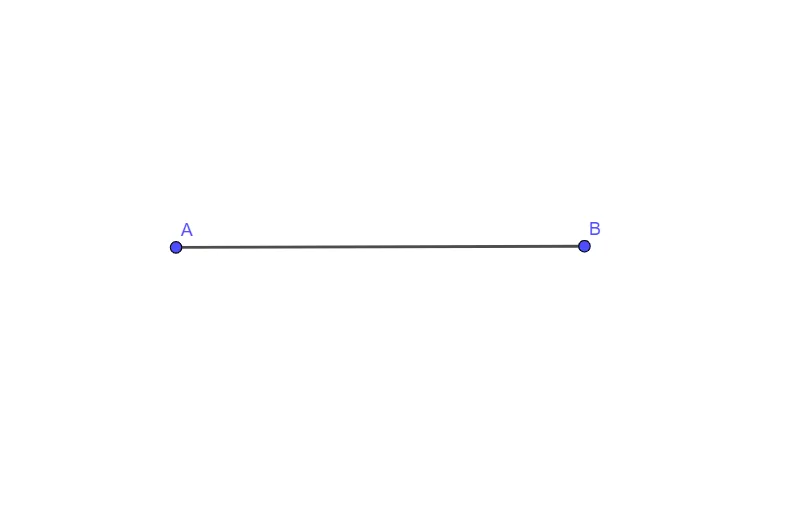
Loading the math board and drawing, please wait…
In collections
Section 1-5 Notes - Basic Constructions
This example demonstrates how to construct the perpendicular bisector of a given segment AB and visually confirm the symmetry property. The key math ideas are the midpoint, perpendicular relationships (the bisector is at 90° to AB), and the equal-distance principle: every point on the perpendicular bisector is equidistant from A and B. The construction proceeds by using circles centered at A and B to locate intersection points, then connecting those intersections to form the perpendicular bisector line. From the provided GeoGebra construction summary, it uses the Segment command to create/maintain the relevant segment geometry based on objects A, B, and f. Suitable for secondary school geometry construction practice, proof foundations, and students improving geometric construction skills.
GeoGebra Commands & Parameters
Segment(A, B) → f
AI Drawing Prompt Reference
Draw the perpendicular bisector of a segment AB. First, mark points A and B. Then, draw circles centered at A and B to find their intersection points. Connect these intersection points to form the perpendicular bisector line. Finally, verify that any point on this line is equidistant from A and B to demonstrate symmetry.
The prompt above was compiled from the original drawing commands and is for reference only.