
Constructing the Midpoint of a Line Segment by njhoorn
Loading the math board and drawing, please wait…
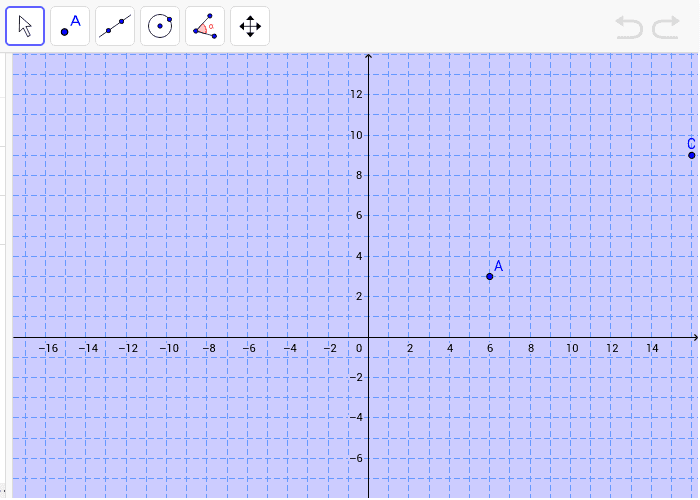
This example demonstrates how to construct a perpendicular bisector to find the midpoint of a line segment. Key mathematical concepts include geometric construction and straight lines. It uses GeoGebra objects A, B, and C. Suitable for middle and high school geometry exercises.
GeoGebra Commands & Parameters
Point A(6.0, 3.0)Point B(19.0, 3.0)Point C(16.0, 9.0)
AI Drawing Prompt Reference
Draw a horizontal line segment with a left endpoint and a right endpoint. Place a point above the segment, positioned to the left of the right endpoint and higher than the segment, forming a triangle. Drop a perpendicular line from this upper point to the segment, with the foot of the perpendicular landing on the segment, dividing it into two parts. Mark the foot as the midpoint of the segment, and draw the perpendicular bisector (a line through the midpoint perpendicular to the segment). The overall figure shows a triangle with an internal vertical auxiliary line, illustrating the geometric construction of the midpoint.
The prompt above was compiled from the original drawing commands and is for reference only.