
Constructing Any Angle in GeoGebra
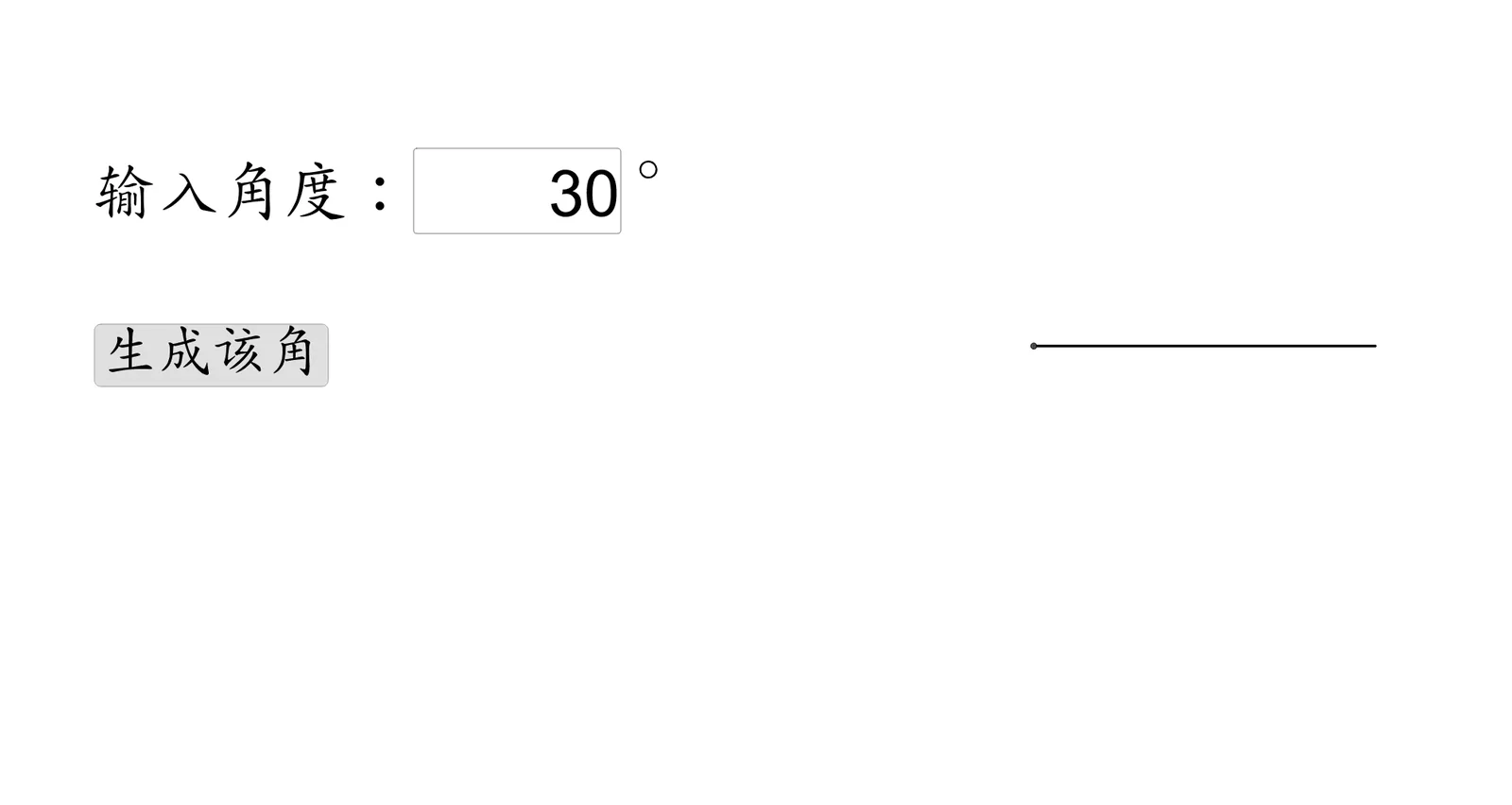
This example demonstrates how to construct an arbitrary angle in a GeoGebra workspace and visualize its formation using geometric constraints. The key mathematical ideas include geometric angle construction (using two rays/segments to define the angle), the role of intersection points and segment relations in fixing the geometry, and how function-like objects can be used to link parameters to the displayed angle (e.g., supporting trigonometry-related or angle-parameter visualization). From the construction summary, it uses GeoGebra commands such as Textfield, Intersect, Point, and Segment. The main objects include InputBox1 for parameter entry, button1 to update the construction, and geometric/annotation objects a, b, A, B, f, g, and text1. Intersect determines key points that lock the construction, Point creates endpoints/locations, and Segment draws the angle sides or related segments, while Textfield and text1 handle user-facing input/labels. Suitable for middle and high school geometry lessons and for classroom demonstrations or exploratory learning focused on angle construction and parameter control.
Loading the math board and drawing, please wait…