
Congruent Angle Construction
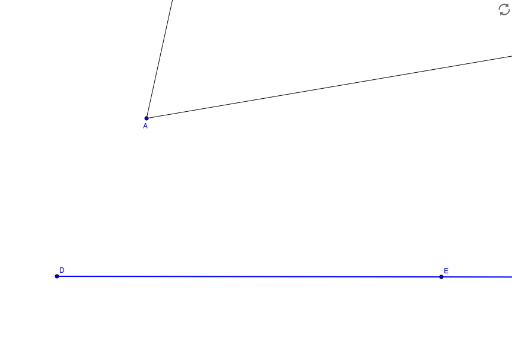
Loading the math board and drawing, please wait…
This example demonstrates how to construct congruent angles using geometric construction methods. The core mathematical concepts involved include angles, triangle congruence criteria, and geometric transformations. Key construction steps using GeoGebra commands such as Line, Rotate, Angle, Ray, Point, Circle, Intersect; and objects like B, A, step1, r, text1, showAnswer, D, E, c, α, B', β, b, d, C, e, F, f, G, g, H, I, target1, target2, step2, a, finished are illustrated. Suitable for middle school and above students learning geometric constructions and triangle congruence criteria.
GeoGebra Commands & Parameters
Line(D, E) → cRotate(B, α, A) → B'Angle(B, A, B') → βRay(A, B') → bRay(A, B) → dPoint(d) → CCircle(A, C) → eIntersect(e, b) → F,Circle(D, Segment[A, C]) → fIntersect(f, c, 2) → GCircle(G, Segment[C, F]) → gIntersect(f, g, 1) → HIntersect(f, g, 2) → IRay(D, H) → target1Ray(D, I) → target2Ray(D, E) → a
AI Drawing Prompt Reference
Draw a geometric construction showing how to construct an angle congruent to a given angle. Start with a line and a point on it as the vertex for the new angle. From the original vertex, draw two rays forming the given angle. Pick a point on one ray, draw a circle centered at the original vertex through that point, and mark its intersection with the other ray. Then, at the new vertex, draw a circle with the same radius, intersecting the line at a point. Using that point as center, draw a circle with radius equal to the distance between the two original intersection points, and mark its two intersections with the previous circle. Finally, draw rays from the new vertex through these two intersection points, creating two angles congruent to the original. Include all auxiliary circles and intersection points in the figure.
The prompt above was compiled from the original drawing commands and is for reference only.