
Capacity/Volume Unit Conversion Level 2 (Decimals) Interactive Exercise
Loading the math board and drawing, please wait…
In collections
Wiederholung: Flächen- und Raummaße
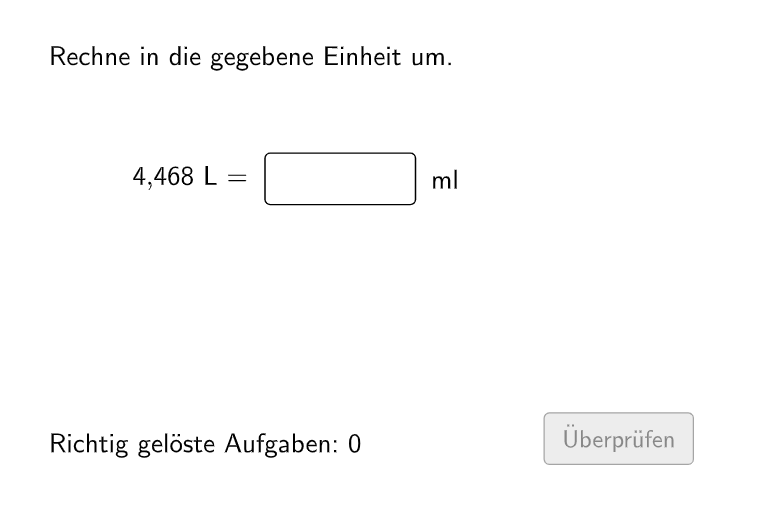
This GeoGebra lesson demonstrates how to convert “capacity/volume” (Hohlmaße) between different units using decimal numbers in an interactive practice setting. It focuses on the math idea of unit conversion via conversion factors: students compute the equivalent quantity in the target unit and provide numeric answers with decimals, then receive validation, hints, and feedback. Construction and interactivity are built from randomized problem generation (Sequence, randomNumbers, randomUnitsLeft, questionCount) and conditional logic to control the workflow and correctness state (If, correct, attemptCount, showFeedback, btnValidate). The user interface uses Textfield for inputs and messages (inputNumber, txtQuestion, txtHint, txtFeedback) and buttons to create new tasks or retry (btnNew, btnTryAgain, showBtnValidate, showBtnTryAgain, showBtnNew). The lesson manages unit sets and pairing (allowedUnits, actualAllowedUnits, actualUnitLeft, actualUnitRight, valueRight) and includes typical-error checking and targeted hints (replaceWithElementToCheck, isTypicalError, showHintTypical). Suitable for grade 5–6 learners and early middle-school students practicing measurement conversions.
GeoGebra Commands & Parameters
Sequence(If[¬allowDecimalNumbers, Random[1, 1000], Random[1, 10000] / Element[{10, 100, 1000}, Random[1, 3]]], i, 1, 100) → randomNumbersElement(randomNumbers, Mod[questionCount, Length[randomNumbers]] + 1) → randomNumberSequence(Random[1, Length[numberMatchingUnits]], i, 1, 100) → randomUnitsLeft, {2, 5, 2, 4, 4, 1, 1, 1, 3, 5, 2, 4, 4, 4, 5, 4, 2, 1, 1, 2, 5, 4, 3, 2, 1, 4, 5, 3, 2, 5, 3, 5, 4, 2, 3, 4, 2, 3, 5, 3, 1, 3, 3, 5, 5, 4, 3, 3, 2, 5, 4, 5, 3, 4, 3, 2, 1, 1, 3, 5, 4, 3, 3, 1, 5, 2, 2, 3, 4, 1, 3, 3, 2, 1, 5, 5, 3, 3, 4, 2, 4, 5, 2, 4, 3, 3, 2, 2, 1, 2, 5, 2, 2, 1, 4, 1, 2, 5, 4, 4}Element(randomUnitsLeft, Mod[questionCount, Length[randomUnitsLeft]] + 1) → actualUnitLeftElement(allowedUnits, actualUnitLeft) → actualAllowedUnitsElement(actualAllowedUnits, Random[2, Length[actualAllowedUnits]]) → actualUnitRightInfoElement(actualUnitRightInfo, 1) → actualUnitRightElement(actualUnitRightInfo, 2) → actualUnitRightFactorIf(unitLeftSmaller, round(((randomNumber * actualUnitRightFactor) * 1000)) / 1000, randomNumber) → valueRightTextfield(inputNumber) → inputBox1Defined(inputNumber) → clickableBtnValidateIf(unitLeftSmaller, randomNumber, round(((randomNumber * actualUnitRightFactorInvers) * 1000)) / 1000) → valueLeft
AI Drawing Prompt Reference
Create a capacity unit conversion exercise with 100 random questions. Each question includes a random number and two random units (e.g., liters and milliliters), and you need to convert the number from one unit to the other and input the result. For example, convert 3.5 liters to milliliters.
The prompt above was compiled from the original drawing commands and is for reference only.