
Bisecting a Segment
Loading the math board and drawing, please wait…
In collections
G-CO.12 Geometric Constructions
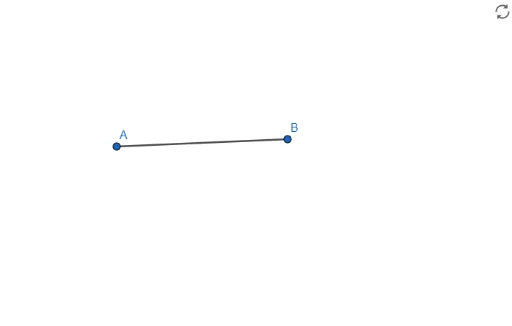
This example demonstrates how to bisect a segment using GeoGebra tools. Key mathematical concepts include the midpoint of a line segment and geometric construction. By using the Segment command, users can create segment AB and bisect it by constructing midpoint f.
GeoGebra Commands & Parameters
Segment(A, B) → f
AI Drawing Prompt Reference
Draw a line segment AB, then find its midpoint F to bisect the segment into two equal parts.
The prompt above was compiled from the original drawing commands and is for reference only.