
Basic Geometric Constructions by ekurtz
Loading the math board and drawing, please wait…
This example demonstrates basic geometric construction techniques, including segments, rotations, angles, and circles. Using GeoGebra commands such as Segment, Rotate, Angle, and Circle, students can learn how to accurately perform geometric constructions. Suitable for middle and high school students to learn basic methods of geometric construction.
GeoGebra Commands & Parameters
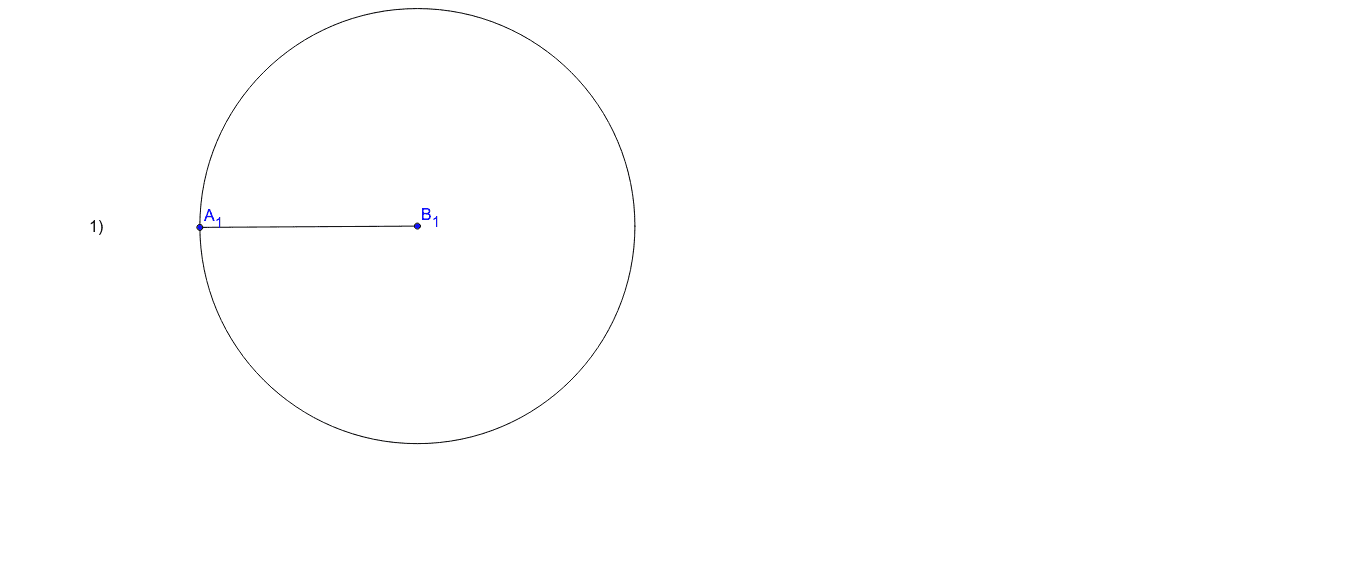
Segment(A_1, B_1) → aSegment(X_1, Y_1) → bRotate(C_1, 32*°, B_2) → A_2Angle(C_1, B_2, A_2) → αSegment(B_2, A_2) → cSegment(B_2, C_1) → dRotate(C, 45*°, B_3) → A_3Angle(C, B_3, A_3) → βSegment(B_3, A_3) → eSegment(B_3, C) → fSegment(A_4, B) → gRotate(D, 60*°, A) → D'Angle(D, A, D') → γSegment(A, D') → hSegment(A, D) → iRotate(Z, 120*°, Y) → XAngle(Z, Y, X) → δSegment(X, Y) → jSegment(Y, Z) → kCircle(B_1, Segment[A_1, B_1]) → p
AI Drawing Prompt Reference
Draw a basic geometric construction involving segments, rotations, angles, and circles. Start by creating two segments, then rotate one segment around the other to form an angle, and draw the corresponding segments. Next, draw a circle centered at a point, showing the relationships of rotation and angles. Combine all elements to form a complete geometric figure that demonstrates fundamental construction techniques.
The prompt above was compiled from the original drawing commands and is for reference only.