
Area Unit Conversion - Level 2
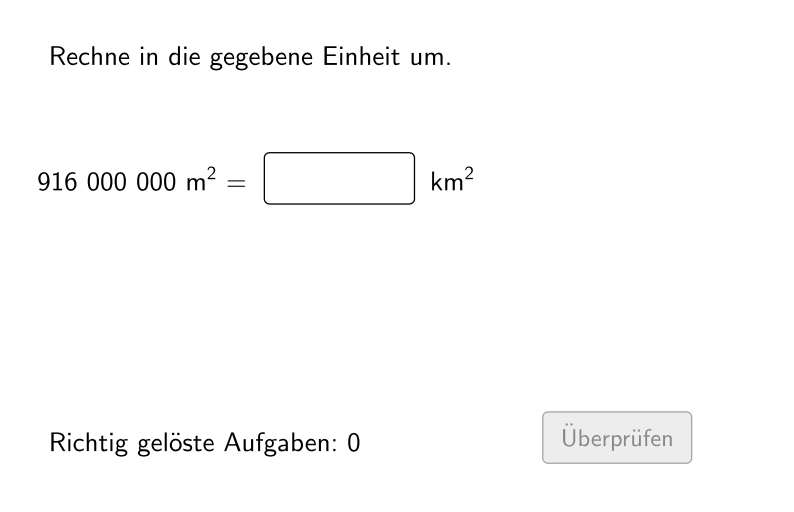
Loading the math board and drawing, please wait…
In collections
Wiederholung: Längen- und Flächenmaße
This example demonstrates converting area measurements between different units, suitable for elementary and middle school students. Key math concepts include area calculation, unit conversion, and proportional relationships. Construction involves GeoGebra commands like Sequence, Element, If to create dynamic area conversion tools. Ideal for classroom use or online practice to help students master area measurement skills.
GeoGebra Commands & Parameters
Sequence(If[¬allowDecimalNumbers, Random[1, 1000], Random[1, 10000] / Element[{10, 100, 1000}, Random[1, 3]]], i, 1, 100) → randomNumbersElement(randomNumbers, Mod[questionCount, Length[randomNumbers]] + 1) → randomNumberSequence(Random[1, Length[numberMatchingUnits]], i, 1, 100) → randomUnitsLeft, {1, 4, 6, 7, 2, 4, 4, 5, 1, 1, 4, 6, 4, 1, 2, 1, 3, 5, 4, 1, 2, 3, 1, 7, 3, 2, 1, 7, 6, 2, 1, 2, 7, 6, 2, 2, 3, 6, 3, 1, 5, 7, 5, 3, 5, 1, 5, 1, 1, 7, 5, 2, 1, 1, 6, 4, 1, 1, 1, 7, 1, 2, 2, 1, 5, 1, 3, 1, 2, 4, 4, 5, 2, 1, 3, 7, 2, 1, 7, 5, 6, 7, 6, 5, 1, 3, 1, 6, 6, 7, 6, 2, 1, 2, 4, 2, 4, 2, 1, 7}Element(randomUnitsLeft, Mod[questionCount, Length[randomUnitsLeft]] + 1) → actualUnitLeftElement(allowedUnits, actualUnitLeft) → actualAllowedUnitsElement(actualAllowedUnits, Random[2, Length[actualAllowedUnits]]) → actualUnitRightInfoElement(actualUnitRightInfo, 1) → actualUnitRightElement(actualUnitRightInfo, 2) → actualUnitRightFactorIf(unitLeftSmaller, round(((randomNumber * actualUnitRightFactor) * 1000)) / 1000, randomNumber) → valueRightTextfield(inputNumber) → inputBox1Defined(inputNumber) → clickableBtnValidateIf(unitLeftSmaller, randomNumber, round(((randomNumber * actualUnitRightFactorInvers) * 1000)) / 1000) → valueLeft
AI Drawing Prompt Reference
Create an instructional diagram for area unit conversion practice. First, generate a random integer area value and display it as the starting quantity, then include a text input box where the student can enter the computed result, and a clickable validate button. Select a left area unit and a right area unit from a predefined set of allowed units so that both units define the conversion relation. Use the chosen direction (depending on whether the left unit is smaller) to determine how the right-side numeric value is obtained from the starting value, and present the resulting area calculation target accordingly. Visually emphasize the pairing between units, the given area number, the input field, and the validation action.
The prompt above was compiled from the original drawing commands and is for reference only.