
Area of a Trapezoid by kennedyc6
Loading the math board and drawing, please wait…
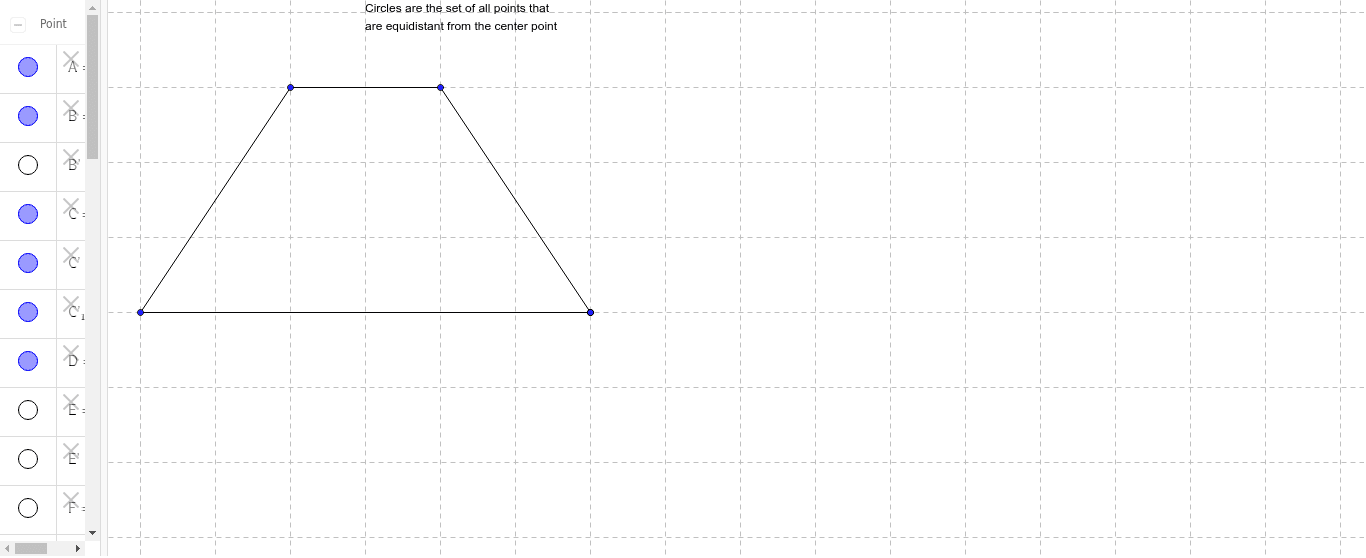
This example demonstrates the calculation of a trapezoid's area. Key mathematical concepts include the properties of a trapezoid and its area formula. By constructing the midline of the trapezoid and performing rotations, the derivation of the area formula is illustrated. GeoGebra commands used include Segment, Midpoint, Polygon, Rotate, etc. Suitable for middle school and above students to learn geometric construction and area calculation.
GeoGebra Commands & Parameters
Segment(A, D) → aSegment(C, D) → bSegment(B, C) → cSegment(B, A) → dMidpoint(B, A) → EMidpoint(C, D) → FSegment(E, F) → ePolygon(E, B, C, F) → top, e_1, b_1, c_1, fPolygon(E, A, D, F) → poly2, e_2, a_1, d_1, f_1Rotate(C, 180*°, F) → C'Rotate(F, 180*°, F) → F'Mirror(E, F) → E'Mirror(B, F) → B'Mirror(C, F) → C'_1Mirror(F, F) → F'_1Polygon(E', B', C'_1, F'_1) → top', e', b', c'_1, f'_1
AI Drawing Prompt Reference
Draw a trapezoid ABCD, connect diagonals AC and BD, find the midpoints E and F of AB and CD, draw EF and rotate it 180 degrees to get E'F', then use E'F' and the sides of the trapezoid to draw two parallelograms, and finally calculate the area of the trapezoid.
The prompt above was compiled from the original drawing commands and is for reference only.