
Area of a Parallelogram Demonstration
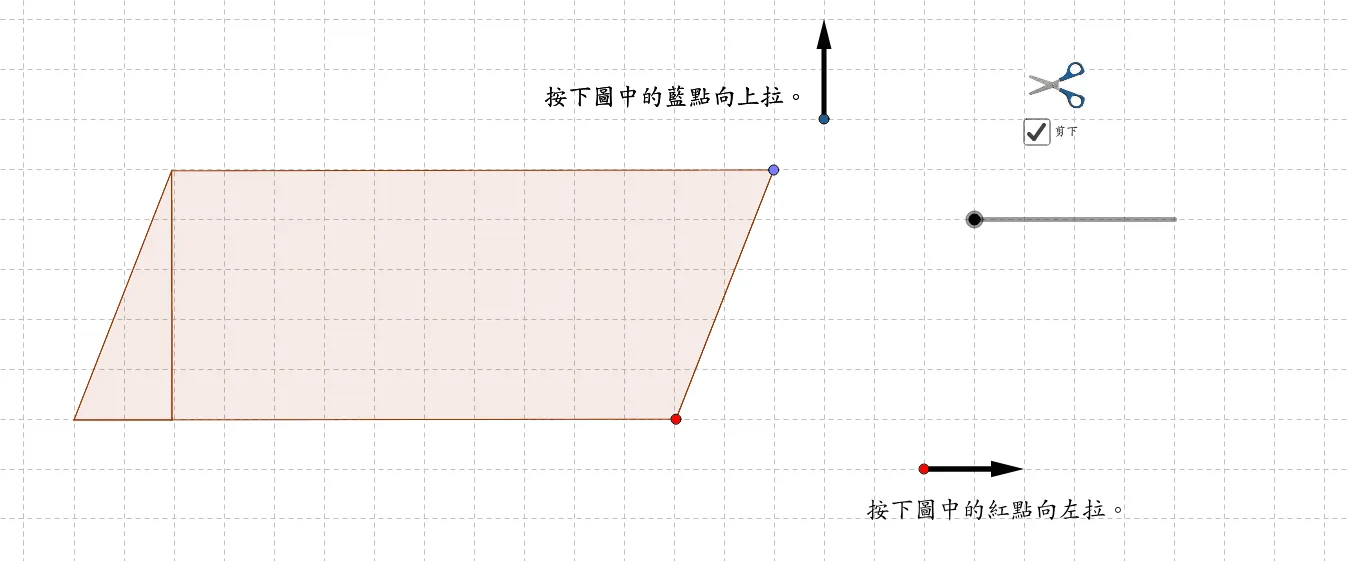
This GeoGebra applet visually demonstrates the calculation principle of the area of a parallelogram using geometric construction and vector tools. By constructing the height with orthogonal lines and utilizing polygon and vector objects, it dynamically illustrates the relationship between the base and height, as well as the geometric meaning of the area formula, helping students deeply understand the derivation process of the parallelogram area in plane geometry. Users can manipulate the vertices of the parallelogram to observe how the shape changes while the area formula remains consistently A equals base times height. The applet highlights the altitude by drawing a perpendicular line from a vertex to the extended base line, making the concept of height intuitive and concrete. Vector representations of the sides reinforce the connection between algebraic and geometric perspectives. As students drag points around, they see in real time that regardless of the slant of the parallelogram, the area depends solely on the length of the base and the corresponding perpendicular height. This interactive exploration allows learners to discover for themselves why shearing the parallelogram into a rectangle preserves area, providing a powerful visual proof of the formula. The applet is particularly useful for introducing the area formula at the middle school level or for reviewing it in a high school geometry course, offering an engaging hands-on experience that goes beyond rote memorization and builds genuine conceptual understanding.
Loading the math board and drawing, please wait…