
Area Between Curves by Taeil Yi
Loading the math board and drawing, please wait…
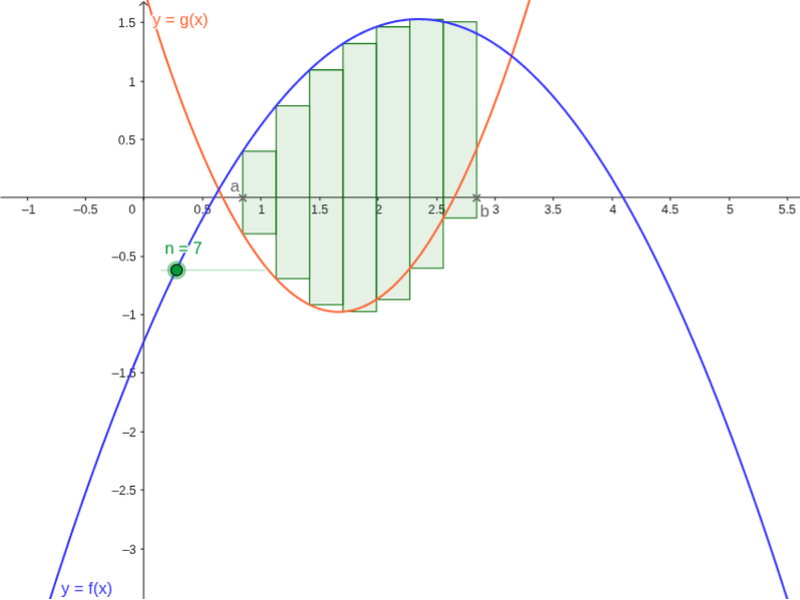
This example demonstrates how to calculate the area between two curves using GeoGebra. Key mathematical concepts include functions, integration, and coordinate geometry. By using commands like Point, Sequence, and Sum, two curves can be constructed and the area between them can be calculated. Suitable for high school mathematics education and learning.
GeoGebra Commands & Parameters
Point(xAxis) → BPoint(xAxis) → ASequence((i, f(i)), i, a, b, h) → L1Sequence((i, g(i)), i, a, b, h) → L2Sequence(Polygon[Element[L1, i], (x(Element[L1, i + 1]), y(Element[L1, i])), (x(Element[L2, i + 1]), y(Element[L2, i])), Element[L2, i]], i, 1, n) → LeftPSum(LeftP) → LeftSum