
Angle Between Two Planes by Fruitnik21
Loading the math board and drawing, please wait…
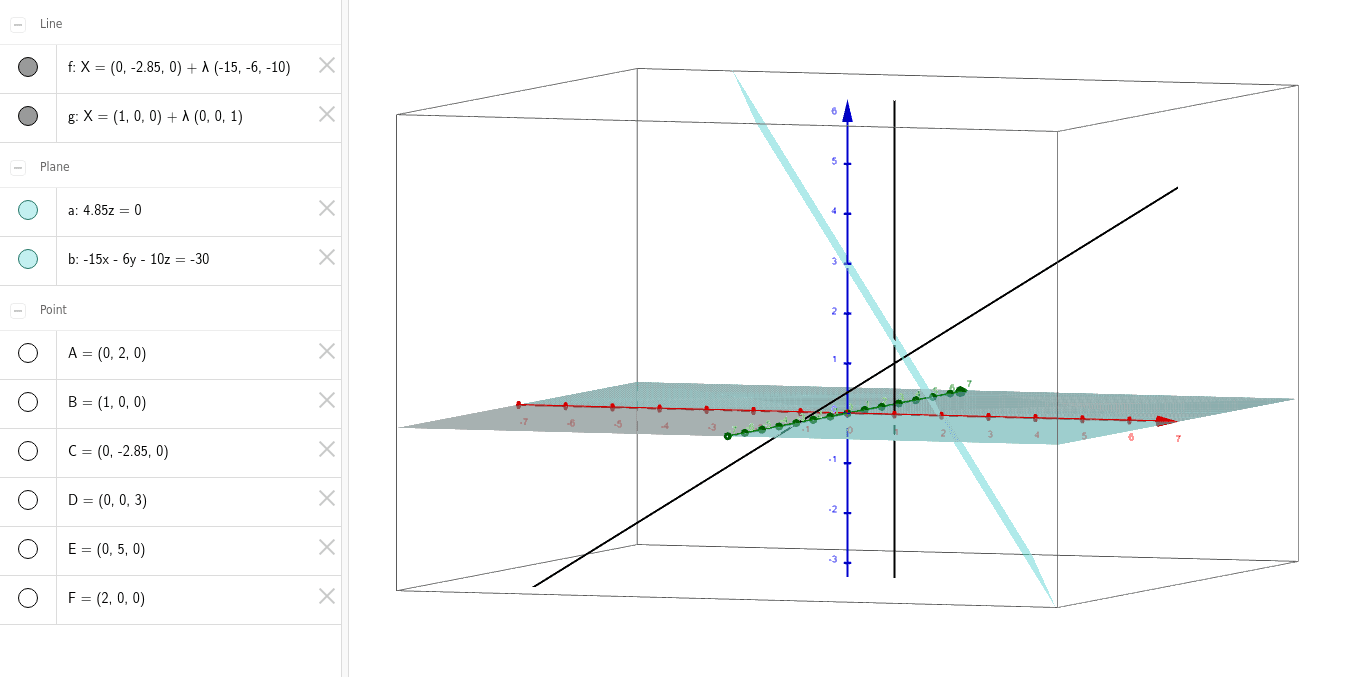
This example demonstrates how to calculate the angle between two planes using plane equations, vector dot product, and matrix operations. It involves constructing points, planes, and orthogonal lines in GeoGebra. Ideal for high school solid geometry and vector applications.
GeoGebra Commands & Parameters
Point(yAxis) → APoint(xAxis) → BPoint(yAxis) → CPlane(A, B, C) → aPoint(zAxis) → DPoint(yAxis) → EPoint(xAxis) → FPlane(D, E, F) → bOrthogonalLine(C, b) → fOrthogonalLine(B, xOyPlane) → g
AI Drawing Prompt Reference
Draw two intersecting planes, one defined by points along the x and y axes from the origin, and the other by points along the x and z axes from the origin. Include a line perpendicular to the second plane on the first plane and a line perpendicular to the xOy plane on the second plane. Show the relationships between these lines and planes to create a clear and visible solid geometry figure.
The prompt above was compiled from the original drawing commands and is for reference only.