
Angle between a Line and a Plane
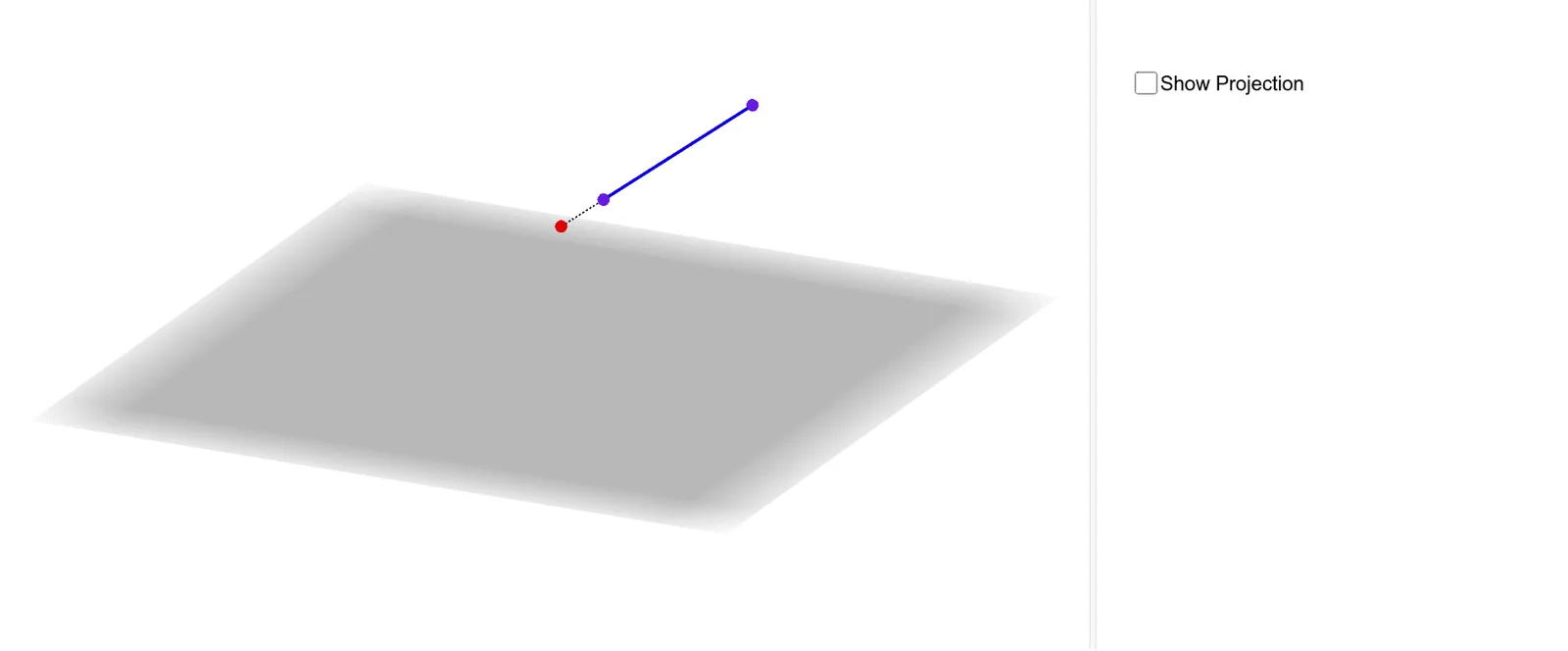
This GeoGebra applet demonstrates how to calculate and visualize the angle between a line and a plane in three-dimensional space. By constructing the line, the plane, their intersection point, and using orthogonal lines and segments, it intuitively illustrates the geometric definition and step-by-step solving process of the line-plane angle. The user can manipulate the line and plane dynamically by dragging points, allowing real-time observation of how the angle changes as the configuration is altered. The construction employs a perpendicular dropped from a point on the line to the plane, forming a right triangle whose acute angle at the intersection represents the angle between the line and the plane. This interactive visualization reinforces the key theorem that the angle between a line and a plane is defined as the angle between the line and its orthogonal projection onto the plane. The applet supports both geometric reasoning and algebraic computation, displaying relevant measurements and auxiliary constructions such as the foot of the perpendicular and the projected segment. It is designed for high school and undergraduate students studying solid geometry, helping them bridge the gap between abstract spatial reasoning and concrete visual understanding. Educators can use this tool in classroom demonstrations or assign it as an exploratory exercise, enabling learners to develop intuition for three-dimensional angle relationships and practice the geometric construction techniques essential for mastering solid geometry.
Loading the math board and drawing, please wait…