
An Introductory Geometric Construction for Addition
Loading the math board and drawing, please wait…
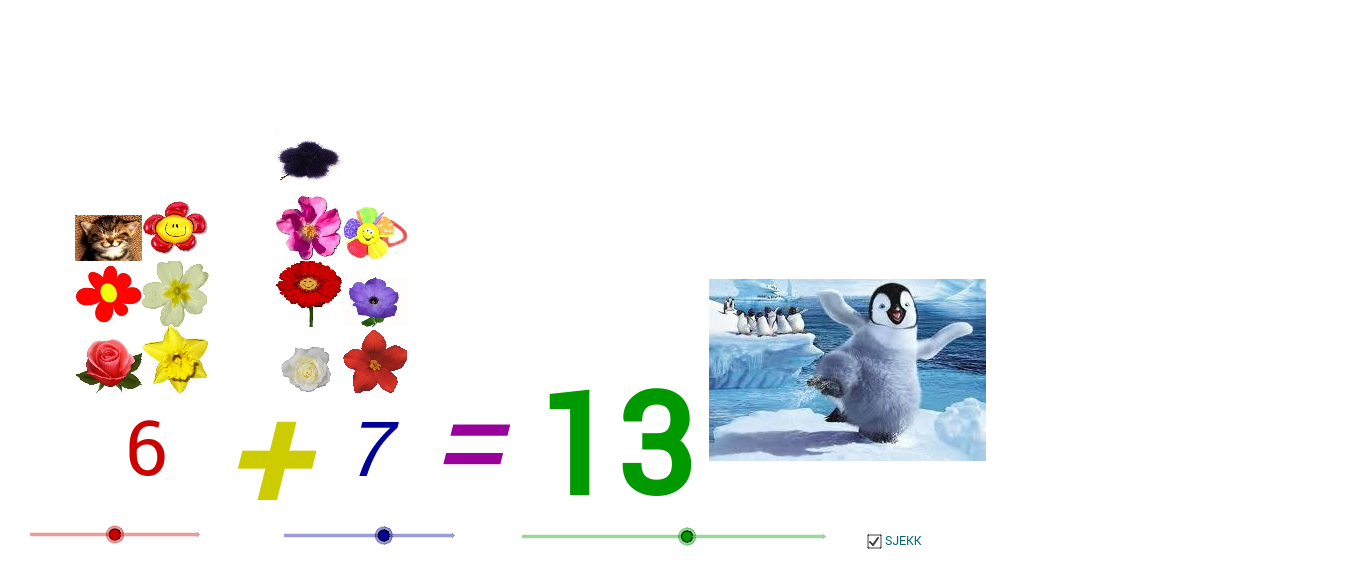
This GeoGebra example demonstrates how “addition” can be visualized through a geometric construction that maps given quantities to points and lines, producing a clear resulting location. The key mathematical ideas include geometric construction, determining intersection points to define outcomes, and building intuition for addition using a coordinate/vector-style viewpoint. From the construction summary, the build primarily relies on the GeoGebra commands Point and Intersect to create essential points (such as labeled points a, b, c, d) and to compute the intersection that fixes the final configuration. The many plotted objects and text labels (e.g., tekst1–tekst5 and sets of points like A–Z and A_1–D_1) indicate a structured workflow with input points, intermediate construction points, and on-screen annotations. Suitable for beginners in middle school through early high school, and useful for teaching the general “construction → rule → result” method in mathematics.
GeoGebra Commands & Parameters
Point(xAxis) → APoint(xAxis) → BPoint(xAxis) → CPoint(yAxis) → SPoint(xAxis) → VPoint(xAxis) → WIntersect(xAxis, yAxis) → ZPoint(yAxis) → A_1Point(yAxis) → D_1Point(yAxis) → G_1Point(yAxis) → L_1
AI Drawing Prompt Reference
Draw a coordinate system with x-axis and y-axis. Mark three points A, B, C on the x-axis, and points S, V, W, A₁, D₁, G₁, L₁ on the y-axis. Then mark point Z at the intersection of the x-axis and y-axis. Finally, construct a geometric figure using these points to illustrate the concept of addition.
The prompt above was compiled from the original drawing commands and is for reference only.