
Adding Numbers Quiz - Level 2
Loading the math board and drawing, please wait…
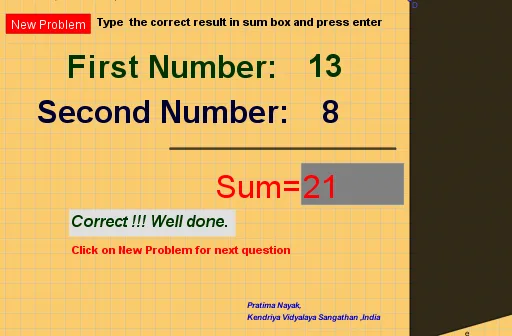
This example demonstrates an interactive quiz for adding numbers within a geometric context. It involves core math concepts like addition operations and calculations of geometric properties (e.g., triangles, polygons). Construction highlights include using Random commands for generating numbers, Textfield and Segment for displaying and building shapes, and Polygon for creating polygons. Suitable for middle school mathematics teaching, focusing on the integration of basic geometry and algebraic calculations.
GeoGebra Commands & Parameters
Random(1, 9) → bRandom(11, 19) → aTextfield(c) → InputBox2Segment(A, C) → fPolygon(D, E, F, G) → q1, d, e, f_1, g
AI Drawing Prompt Reference
Create an interactive geometric diagram to demonstrate addition of numbers. First, generate two random numbers, one between 1 and 9, and the other between 11 and 19, and display their sum in a text field. Then, construct a triangle using these two random numbers as vertices, and form a quadrilateral by adding two more points to the triangle's vertices. Connect all vertices with line segments to create a combined shape of a triangle and a quadrilateral, suitable for teaching purposes.
The prompt above was compiled from the original drawing commands and is for reference only.