
解二元一次方程组
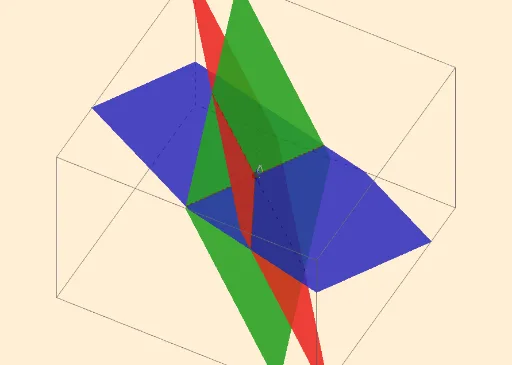
几何画板及绘图内容加载中,请稍等……
①本范例演示如何通过 GeoGebra 绘制两条直线的交点,从而求解二元一次方程组的解;②涉及的核心数学概念包括方程组、直线、交点、解析几何;③作图要点——使用了 Textfield, IntersectPath, Intersect 等命令和对象,通过输入框输入方程系数,绘制直线并求交点;④适合初中及以上学生学习解析几何和方程组求解,也可用于数学教学演示。
GeoGebra 命令及参数
Textfield(a_1) → InputBox1Textfield(b_1) → InputBox2Textfield(c_1) → InputBox3Textfield(d_1) → InputBox4Textfield(a_2) → InputBox5Textfield(a_3) → InputBox6Textfield(b_2) → InputBox7Textfield(b_3) → InputBox8Textfield(c_2) → InputBox9Textfield(c_3) → InputBox10Textfield(d_2) → InputBox11Textfield(d_3) → InputBox12IntersectPath(c, b) → fIntersectPath(c, a) → gIntersect(f, g) → AIntersect(f, g) → BIntersect(g, f) → CIntersectPath(b, a) → h