
利用代入法解方程和不等式
几何画板及绘图内容加载中,请稍等……
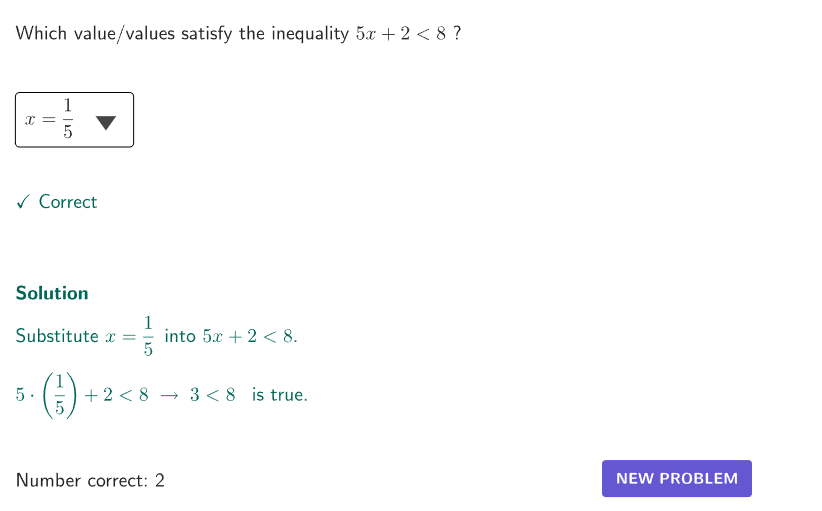
本范例演示如何利用代入法解方程和不等式。核心数学概念包括方程和不等式的解法。通过构造摘要中的GeoGebra命令,可以了解如何使用代入法来解方程和不等式。适合初中及以上学生学习。
GeoGebra 命令及参数
Shuffle(Sequence[15]) → problType, {6, 14, 3, 13, 7, 1, 9, 11, 4, 12, 15, 5, 10, 2, 8}Element(problType, Mod[count, Length[problType]] + 1) → valTypeShuffle(Sequence[t, t, 2, 5, 1]) → allA, {4, 2, 5, 3}Element(allA, Mod[count, Length[allA]] + 1) → valAShuffle(Sequence[t, t, 2, 5, 1]) → allB, {4, 5, 2, 3}Element(allB, Mod[count, Length[allB]] + 1) → valBShuffle(Sequence[t, t, 6, 9, 1]) → allC, {9, 7, 8, 6}Element(allC, Mod[count, Length[allC]] + 1) → valCSelectedIndex(dd7) → is7SelectedIndex(dd15) → is15SelectedIndex(dd14) → is14SelectedIndex(dd13) → is13SelectedIndex(dd12) → is12SelectedIndex(dd11) → is11SelectedIndex(dd10) → is10SelectedIndex(dd9) → is9SelectedIndex(dd8) → is8SelectedIndex(dd6) → is6SelectedIndex(dd5) → is5SelectedIndex(dd4) → is4SelectedIndex(dd3) → is3SelectedIndex(dd1) → is1SelectedIndex(dd2) → is2Element(allA, Mod[countQuestion, 15] + 1) → randomNum2Element(problType, Mod[countQuestion, 20] + 1) → randomNum1Textfield(input1) → InputBox1Textfield(input2) → InputBox2Polygon(Zip[PixelsToPoint[Corner[1], Corner[3], Corner[5], A], A, {(pixelsLeft, pixelsTop), (pixelsLeft, y(Corner[5]) - pixelsBottom), Corner[5] - (pixelsRight, pixelsBottom), (x(Corner[5]) - pixelsRight, pixelsTop)}]) → borderBoxCorner(5) → layoutAppSizeSegment(A, B) → displaySegmentexpandSegment(A, B, (pulsing * 7), Corner[1], Corner[3], Corner[5]) → pulsingObjectonboardingTextOffset(Corner[onboardingText, 1], Corner[onboardingText, 3], onboardingCase, Corner[1], Corner[3], Corner[5]) → OnboardingTextOffsetElement({If[layoutX ≟ 16, layoutX - 5, 11], layoutX - 5}, layoutCase) → layoutHintSolnX
AI 绘图提示语参考
绘制一个用于演示代入法解方程与不等式的交互式教学图形。画面中央有一个坐标平面,其上显示一条可拖动的线段,代表方程或不等式的解集范围。页面周围分布多个下拉菜单和输入框,用于选择题目类型、系数和常数项。图形下方有一个矩形边框,用于界定交互区域。整体布局清晰,突出代数与几何的对应关系,适合中学数学课堂使用。
以上提示语为根据原始绘图命令整理而来,仅供参考。