
百分比变化
几何画板及绘图内容加载中,请稍等……
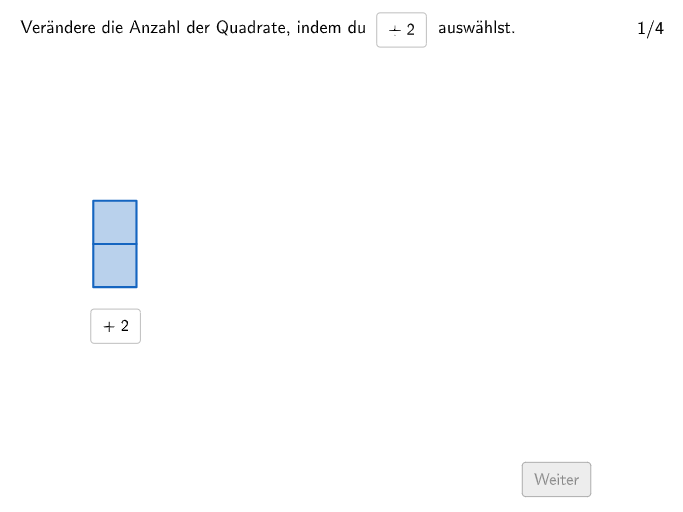
这个范例演示了百分比变化的概念。它涉及的核心数学概念包括百分比计算和变化率。通过使用GeoGebra命令如Sequence、If、SelectedIndex等,可以动态展示不同情境下的百分比变化。适合初中及以上学生学习。
GeoGebra 命令及参数
Sequence(Random[2, 3], m, 1, 110) → listposcorrect, {2, 2, 3, 2, 3, 3, 2, 3, 3, 2, 2, 2, 2, 3, 3, 2, 3, 3, 3, 2, 2, 3, 2, 3, 2, 3, 2, 3, 3, 3, 3, 3, 3, 3, 3, 2, 2, 2, 3, 3, 3, 2, 3, 2, 2, 3, 2, 2, 3, 2, 3, 3, 3, 3, 3, 2, 2, 3, 2, 2, 2, 2, 3, 2, 2, 3, 2, 3, 2, 2, 2, 3, 2, 2, 2, 2, 2, 3, 3, 2, 2, 3, 3, 2, 3, 3, 3, 3, 3, 3, 3, 2, 2, 3, 2, 3, 2, 2, 3, 2, 2, 3, 2, 2, 2, 3, 2, 2, 3, 2}If(exnum ≟ 4, 33, (numB / numA * 100)) → numCSelectedIndex(DropDown) → inputSequence(true, m, 1, maxstep) → listfixedTextfield(input1) → Eingabefeld1Textfield(input2) → Eingabefeld2If(exnum ≟ 3, 0.7, 1) → squaresizeSequence(O1 + (m * (0, squaresize)), m, 0, squarenum1 - 1) → l1Zip(Translate[Polygon[(0, 0), (squaresize, 0), (squaresize, squaresize), (0, squaresize)], P], P, l1) → v1Sequence(O2 + (m * (0, squaresize)), m, 0, squarenum2a - 1) → l2aSequence(O3 + (m * (0, squaresize)), m, 0, squarenum3 - 1) → l3Zip(Translate[Polygon[(0, 0), (squaresize, 0), (squaresize, squaresize), (0, squaresize)], P], P, l2a) → v2aZip(Translate[Polygon[(0, 0), (squaresize, 0), (squaresize, squaresize), (0, squaresize)], P], P, l3) → v3Sequence(O2 + (m * (0, squaresize)), m, squarenum2a, squarenum2a + squarenum2b - 1) → l2bZip(Translate[Polygon[(0, 0), (squaresize, 0), (squaresize, squaresize), (0, squaresize)], P], P, l2b) → v2bTranslate(Segment[(0, arrowheight), (squareabs - (2 * arrowabs) - squaresize, arrowheight)], O1 + (squaresize + arrowabs, 0)) → s1Translate(Segment[(0, arrowheight), (squareabs - (2 * arrowabs) - squaresize, arrowheight)], O2 + (squaresize + arrowabs, 0)) → s2
AI 绘图提示语参考
绘制一个展示百分比变化的动态图形,包含随机生成的序列,用不同大小的方块表示数值变化,并通过箭头和文本标注说明变化率,先画出基础方块和箭头,再根据序列动态调整方块大小和位置,最后添加文本说明百分比计算结果。
以上提示语为根据原始绘图命令整理而来,仅供参考。