
移动位值
几何画板及绘图内容加载中,请稍等……
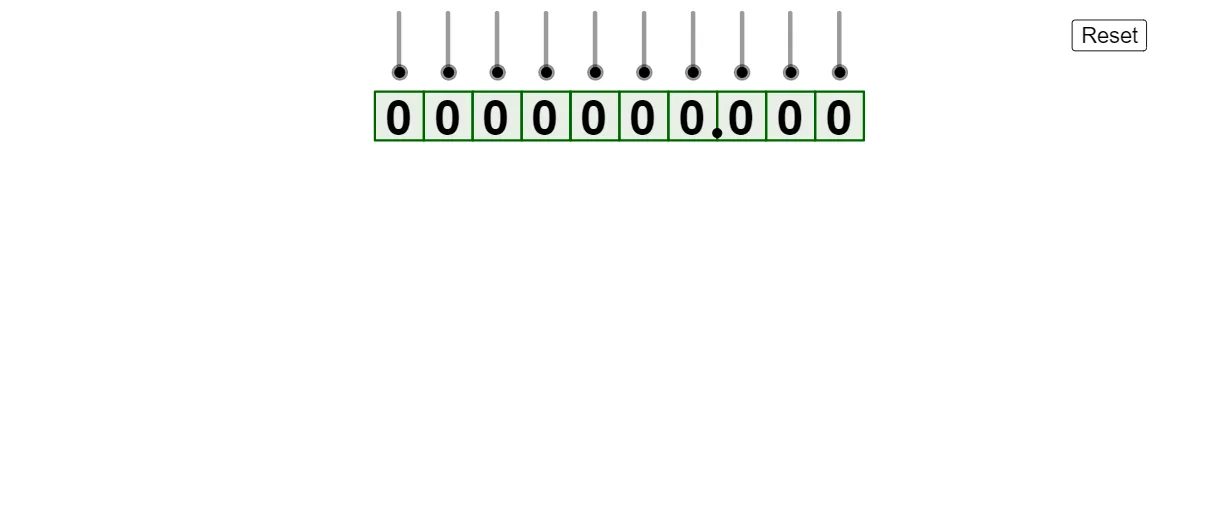
该范例演示了数字位值的移动过程。核心数学概念包括位值制和数的表示。通过使用GeoGebra命令如Take、Sequence、Zip等,可以动态展示数字位值的变化。适合小学高年级或初中学生学习数的表示和位值概念。
GeoGebra 命令及参数
Take({millions, hundredThousands, tenThousands, thousands, hundreds, tens, ones, tenths, hundredths, thousandths}, firstNonZero, lastNonZero) → centralTextSequence(Max[Sequence[If[floor(Element[newList, i] / 10^(j)) ≟ Element[newList, i] / 10^(j), j, 0], j, 0, ceil(log(10, Element[newList, i]))]], i, 1, Length[newList]) → neededZerosLeftHelperZip(If[Defined[AAA], AAA, 0], AAA, neededZerosLeftHelper) → neededZerosLeftZip(If[BBB < 1, abs(BBB), 0], BBB, Zip[ceil(log(10, AAA)), AAA, newList]) → neededZerosRightSequence(Polygon[(i, 0), (i + 1, 0), 4], i, -7, 2) → boxesSequence(Text[Element[{millions, hundredThousands, tenThousands, thousands, hundreds, tens, ones, tenths, hundredths, thousandths}, i], Centroid[Element[boxes, i]] + adjuster], i, 1, 10) → startingSetSequence(Sequence[Text[0, Element[locations, i, Length[centralText]] + (j, 0)], j, 1, Element[neededZerosLeft, i]], i, 1, Length[newList] - (mover < 1)) → zerosLeftSequence(Sequence[Text[0, Element[locations, i, 1] - (j, 0)], j, 1, Element[neededZerosRight, i]], i, 1, Length[newList] - (mover < 1)) → zerosRightIf(Length[locations] > 0, Last[locations], {(999, 999)}) → targetPointsZip(Centroid[AAA] + adjuster, AAA, boxes) → boxCentroidsZip((AAA * (1 - mover)) + (BBB * mover), AAA, Element[locations, Length[locations] - 1], BBB, Element[locations, Length[locations]]) → movingPointsZip(Text[AAA, BBB], AAA, centralText, BBB, movingPoints) → movingTextFirst(zerosLeft, Length[zerosLeft]) → showZerosLeftSequence(Point[{0, ((-vertSpacing) * i) + 0.15}], i, 0, If[(¬started) ∨ fakeStart, 0, Length[locations] - 1]) → decimalPoints