
几何数列与数列测验:探索数列规律与作图方法
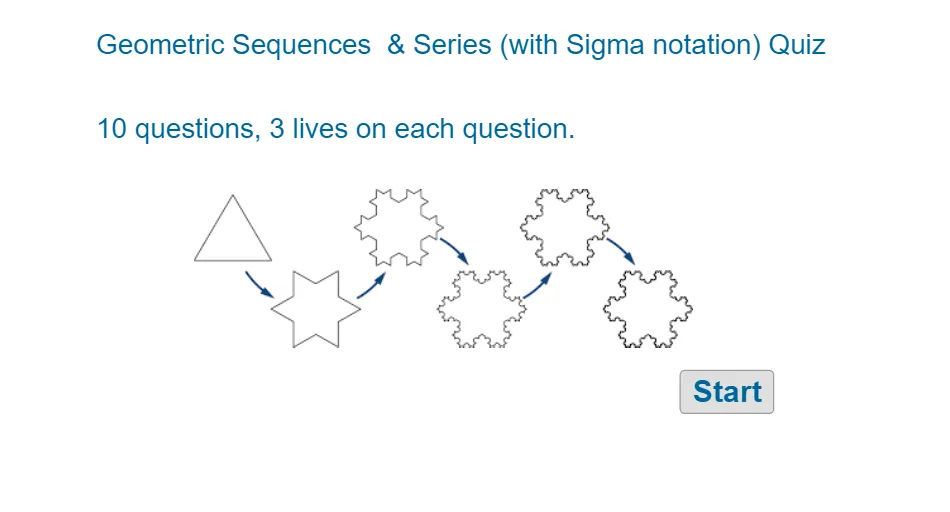
几何画板及绘图内容加载中,请稍等……
这个范例演示了如何通过GeoGebra绘制几何数列和数列的图形,展示数列的规律性。涉及的核心数学概念包括数列、几何变换和坐标几何。作图要点包括使用RandomElement、Random、If等GeoGebra命令,以及对象如nN2ranlist、qN2ran等。适合初中或高中数学学习,用于理解数列的构造和性质。
GeoGebra 命令及参数
RandomElement(nN2ranlist) → nN2ranRandomElement(rlist) → rRRandomElement(alistrgt1) → argt1RandomElement(alistrhalf) → arhalfRandom(3, 5) → artenthpowerRandom(2, 9) → artenthcoeffIf(abs(rR) > 1 ∧ rR ≠ 1.5, argt1, If[abs(rR) ≟ 0.5 ∨ rR ≟ 1.5, arhalf, artenth]) → aARandom(3, 6) → nN1RandomElement(q10rlist) → q10rRandomElement(q10alist) → q10aGCD(q10a, q10den) → q10gcdIf(q10coef ≟ 1 ∧ q10denom ≠ 1, q10coef1, If[q10coef ≠ 1 ∧ q10denom ≟ 1, q10denom1, If[q10coef ≟ 1 ∧ q10denom ≟ 1, q10both1, q10ssfortext]]) → q10fortextTextfield(stansq10) → InputBox10Random(3, 5) → nNq9Textfield(stfunq9) → InputBox9Random(4, 12) → mMTextfield(stansq4) → InputBox4Textfield(stansq5) → InputBox5Textfield(stansq6) → InputBox6Textfield(stansq7) → InputBox7Textfield(stansq8) → InputBox8AreEqual(InputBox10, ansq10) → corr10Textfield(stansq1) → InputBox1AreEqual(InputBox7, ansq7) → corr7AreEqual(InputBox5, ansq5) → corr5AreEqual(InputBox4, ansq4) → corr4Corner(5) → dimsTextfield(stfunq2) → InputBox2Textfield(stfunq3) → InputBox3If(aA ≟ 1, tTnoatext, If[aA ≟ -1, tTneg1, tTwitha]) → tTifIf(q10a ≟ -1, q9textneg1, If[q10a ≟ 1, q9texta1, q9texta]) → q9textfora
AI 绘图提示语参考
绘制一个几何数列和级数的图形,包含随机生成的数列项和级数项。首先生成一个随机的公比r,然后根据r的值生成首项a。接着绘制数列的前几项,展示数列的规律。最后,生成一个关于数列的填空题,让用户根据数列规律填写缺失的项。
以上提示语为根据原始绘图命令整理而来,仅供参考。