
函数机器
几何画板及绘图内容加载中,请稍等……
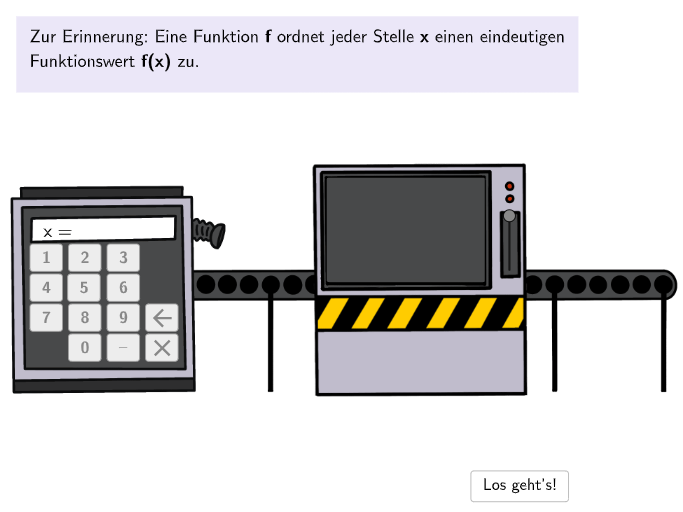
本范例演示一个交互式函数机器,通过输入数值来演示函数求值过程。核心数学概念是函数的对应关系与函数值计算,涉及函数方程、函数图像与数值表的相互转换。构造要点:使用Textfield文本框输入、Button按钮交互、InputBox输入框、Text文本显示、Shuffle随机排列、Translate平移等GeoGebra命令,以及StepList步骤列表实现分步演示。适合七至八年级学生理解函数概念及函数值计算。
GeoGebra 命令及参数
Textfield(input1) → InputBox1Textfield(input2) → InputBox2Textfield(input3) → InputBox3Textfield(input4) → InputBox4Shuffle(1…5) → FunctionListIndex, {4, 1, 3, 5, 2}Join({{3}, FunctionListIndex \ {3}}) → FunctionListIndexRealSegment(HebelStart, HebelEnd) → hebelsegPoint(hebelseg) → HebelSegment(Anim1Seg1, Anim1Seg2) → anim1segPoint(anim1seg, anim1) → Anim1PosText(AnzeigeMaschine, Anim1Pos, false, true, 0, 0) → Anim1TxtValueStartText(Text3, Anim1Pos, false, true, 0, 0) → Anim1TxtFuncStartSelectedIndex(DD1) → index1Segment(Anim2Seg11, Anim2Seg12) → anim2seg1Segment(Anim2Seg21, Anim2Seg22) → anim2seg2Point(anim2seg2, anim2end) → Anim2Pos2Point(anim2seg1, anim2start) → Anim2Pos1Text(Text3, Anim2Pos2, false, true, 0, 0) → Anim2TxtFuncText(AnzeigeMaschine, Anim2Pos1, false, true, 0, 0) → Anim2TxtValueTranslate(VGray1, Vector[VGrayAnchor1, VGrayAnchor2]) → VGray2Translate(VGray1, Vector[VGrayAnchor1, VGrayAnchor3]) → VGray3Textfield(input5) → InputBox5