
直比例与间接比例的几何演示:通过GeoGebra探索比例关系
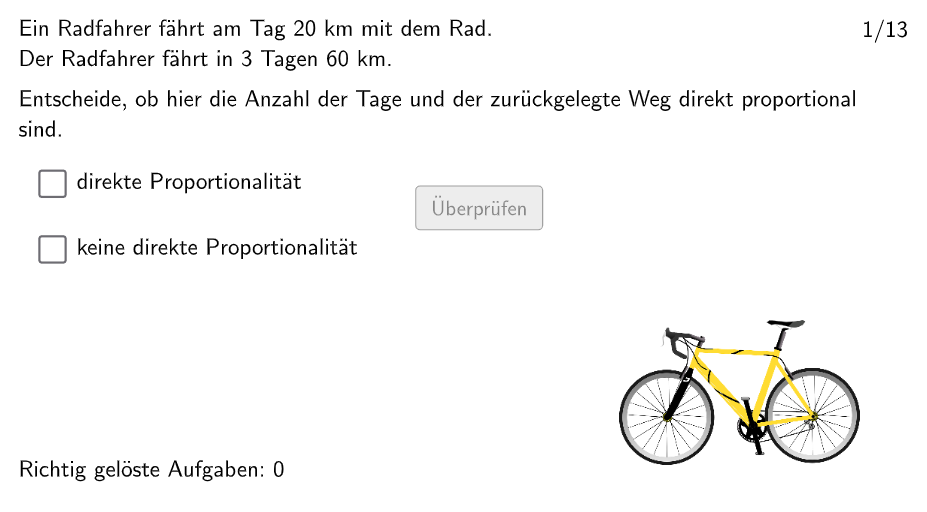
几何画板及绘图内容加载中,请稍等……
这个范例展示了直比例和间接比例在几何图形中的表现,帮助学生理解比例概念。核心数学概念包括比例、相似性和几何作图。作图要点涉及使用GeoGebra命令如Textfield、Polygon、If和Rotate,以及对象如SolList、trueprop和noprop。适合小学五年级到六年级学生,用于课堂练习和在线学习平台如Google Classroom。
GeoGebra 命令及参数
Textfield(aInput) → InputBox1Textfield(bInput) → InputBox2Polygon(PtopLeftCornerFeedback, PtopRightCornerFeedback, PbottomRightCornerFeedback, PbottomLeftCornerFeedback) → rectangleCorrect, ptopleftcornerfeedback, ptoprightcornerfeedback, pbottomrightcornerfeedback, pbottomleftcornerfeedbackIf(correct, richtigNo, falschNo) → ueberpruefentextIf(Mod[num, 2] ≟ 0, antwortNein, antwortJa) → antwortPolygon(G, H, 4) → poly1, f, g, h, i, I, JIf(count < 30, "\bold{Neue Aufgabe}", "\bold{Nochmal!}") → buttonTextPolygon(PtopLeftCornerFeedback_{1}, PtopRightCornerFeedback_{1}, PbottomRightCornerFeedback_{1}, PbottomLeftCornerFeedback_{1}) → rectangleCorrect_{1}, ptopleftcornerfeedback_{1}, ptoprightcornerfeedback_{1}, pbottomrightcornerfeedback_{1}, pbottomleftcornerfeedback_{1}Polygon(P_2, M_2, O_2, N_2) → v1, p_2, m_2, o_2, n_2Rotate(G, 270°, H) → G'Rotate(H, 90°, G) → H'
AI 绘图提示语参考
在平面上先画一个四边形作为基准矩形:用四个可调整的角点构成上左、上右、下右、下左位置的矩形边界,并在图上保留其角点以便后续计算与验证。然后在该矩形内外再生成一组与比例相关的四点多边形,选取同样的四个端点形成第二个四边形。最后以矩形的两个对角/端点为中心分别作旋转构造,把上边界对应的点旋转得到一组新位置的点,同时把另一端对应的点旋转得到另一组新位置的点,从而形成体现直接与间接成比例关系的几何图形。
以上提示语为根据原始绘图命令整理而来,仅供参考。