
数字标准与展开形式转换范例
几何画板及绘图内容加载中,请稍等……
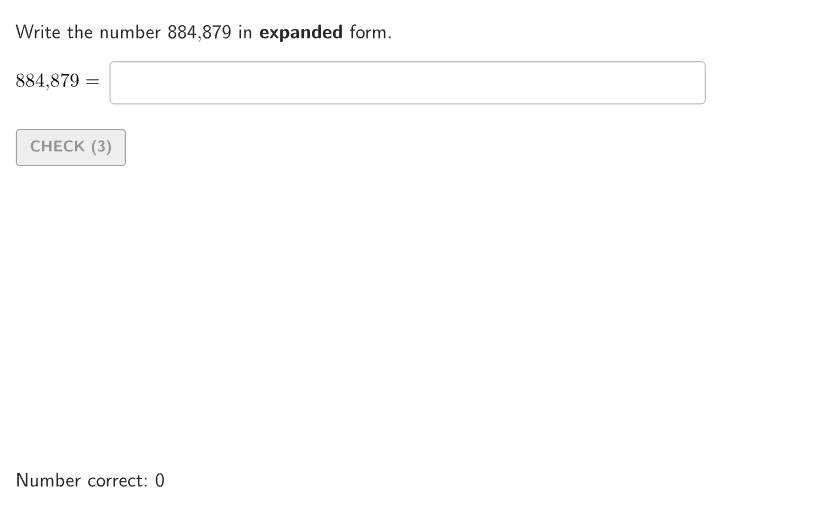
这个范例演示了如何将多位数字在标准形式和展开形式之间进行转换,并通过动画机器验证答案。核心数学概念包括数字的读写、比较和数位理解。作图要点涉及使用GeoGebra命令如Shuffle、Take、Text、Sum等来构建转换过程。适合小学高年级学生用于练习数字表示和数位概念,适用于课堂互动和自主学习。
GeoGebra 命令及参数
Shuffle(Sequence[ii / 100, ii, 1, 99]) → allRandomSeeds, {0.23, 0.88, 0.48, 0.79, 0.41, 0.03, 0.04, 0.75, 0.84, 0.07, 0.08, 0.14, 0.57, 0.24, 0.7, 0.98, 0.15, 0.37, 0.32, 0.93, 0.66, 0.21, 0.86, 0.8, 0.27, 0.58, 0.47, 0.71, 0.78, 0.09, 0.53, 0.9, 0.72, 0.35, 0.74, 0.2, 0.17, 0.54, 0.69, 0.39, 0.31, 0.76, 0.36, 0.85, 0.1, 0.97, 0.49, 0.73, 0.25, 0.68, 0.67, 0.55, 0.11, 0.12, 0.34, 0.44, 0.56, 0.43, 0.05, 0.51, 0.95, 0.6, 0.18, 0.91, 0.87, 0.4, 0.61, 0.83, 0.99, 0.26, 0.5, 0.45, 0.3, 0.89, 0.33, 0.06, 0.65, 0.02, 0.38, 0.96, 0.29, 0.19, 0.22, 0.13, 0.01, 0.46, 0.81, 0.16, 0.52, 0.77, 0.92, 0.59, 0.82, 0.94, 0.63, 0.28, 0.42, 0.62, 0.64}Take(allRandomSeeds, randIndex, randIndex + numRandoms - 1) → currentRandomSeedsText(randomNum2) → textGivenNumTextToUnicode(textGivenNum) → textGivenNumUnicIf(textGivenNumUnic(-1) ≟ 48, textGivenNumexpanding, Append[textGivenNumexpanding, UnicodeToLetter[textGivenNumUnic(-1)]]) → textGivenNumExpandingCompZip(FromBase[TT, 10], TT, textGivenNumExpandingComp) → ForSolTableAppend(Take[ForSolTable, 1, floor(anim) - 1], Sum[Reverse[ForSolTable], Length[ForSolTable] - floor(anim) + 1]) → ForSolTable3Zip(Text[nn], nn, ForSolTable3) → ForSolTable3TIf(currentRandomSeeds(1) ≤ 0.5, 1, 2) → randomNumCaseAppend(Take[ForSolTable, 1, Length[ForSolTable] - floor(anim)], Sum[Reverse[ForSolTable], floor(anim)]) → ForSolTable2Zip(If[Length[TT] ≥ 4, (("\text{" * AddCommas[TT]) * "}"), TT], TT, ForSolTable3T) → ForSolTable3SpacesZip(If[Length[TT] ≥ 4, (("\text{" * AddCommas[TT]) * "}"), TT], TT, Zip[Text[nn], nn, ForSolTable2]) → ForSolTable2SpacesTextfield(input2) → InputBox1Sum(Append[Zip[(TT * "+"), TT, Take[textGivenNumExpandingComp, 1, Length[textGivenNumExpandingComp] - 1]], textGivenNumExpandingComp(-1)]) → TextToCompareZip(If[Length[TT] ≥ 4, AddCommas[TT], TT], TT, textGivenNumexpanding) → textGivenNumexpandingWithSpacesAppend(textGivenNumexpandingWithSpaces(1), Flatten[{Zip[("\,+\," * TT), TT, Take[textGivenNumexpandingWithSpaces, 2]], If[textGivenNumUnic(-1) ≠ 48, {("\,+\," * UnicodeToLetter[textGivenNumUnic(-1)])}, {}]}]) → textGivenNumExpPlusTextfield(input1) → InputBox2TextToUnicode(If[randomNumCase ≟ 1, textInput1, textInput2]) → inputCurrentIf(randomNumCase ≟ 2, correct2, correct1) → correctCorner(5) → layoutAppSizesectorPixels(A, B, C, haloPixels + 40, Corner[1], Corner[3], Corner[5]) → pulsingObjectsectorPixels(A, B, C, 40, Corner[1], Corner[3], Corner[5]) → displayAnglePointToPixels(Corner[onboardingDisplayText, 2], Corner[1], Corner[3], Corner[5]) → layoutOnboardingonboardingTextOffset(Corner[onboardingText, 1], Corner[onboardingText, 3], onboardingCase, Corner[1], Corner[3], Corner[5]) → OnboardingTextOffsetTableText(If[randomNumCase ≟ 2, ForSolTable2Spaces, ForSolTable3Spaces], "vr") → text1Text(text1, AnimPoint, true, true, 0, 0) → text2Translate(hGL, Vector[(Vector[Corner[4], Corner[1]] / 500 * 16)]) → hGL'Defined(IndexOf["+00", textInput1]) → a
AI 绘图提示语参考
创建一个数学转换演示界面,包含一个转换机器的动画效果。界面中央显示一个大数字作为输入,可以是三位数或四位数。上方有两个输入框用于用户交互。下方展示一个表格,左列为扩展形式的各个数位(如几百、几十、几个),右列为对应的数值。表格上方有标题说明是标准形式还是扩展形式。整个转换过程有动画效果,数字从输入状态逐步展开成分解形式,展开后的各部分用加号连接显示在下方。整体采用简洁的教育风格,包含随机数生成功能用于练习。
以上提示语为根据原始绘图命令整理而来,仅供参考。