
分数的比较——扩展和简化
几何画板及绘图内容加载中,请稍等……
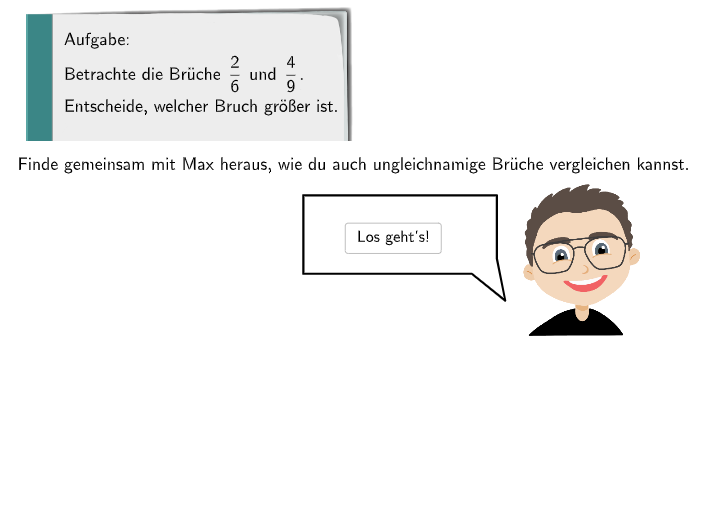
本范例演示了如何比较分数,特别是通过扩展和简化的方法。核心数学概念包括分数的比较、扩展和简化。作图要点包括使用 GeoGebra 的 SelectedIndex、SpeechBubbleRight、Textfield 和 Polygon 等命令/对象。适合的学段或用途包括初中数学教育,特别是分数的比较和运算。
GeoGebra 命令及参数
SelectedIndex(dropdown) → indexSpeechBubbleRight(PBubbleMaxi, 4, 1.5) → BubbleMaxi1SpeechBubbleRight(PBubbleMaxi, 7, 2) → BubbleMaxi2SpeechBubbleRight(PBubbleMaxi1, 7, 1) → BubbleMaxi3Textfield(input1) → InputBox1SpeechBubbleRight(PBubbleMaxi1, 8.6, 1.2) → BubbleMaxi4Textfield(input2) → InputBox2Textfield(input3) → InputBox3Polygon((0.42, 0.56), (1.62, 0.56), (1.62, -1.14), (0.42, -1.14)) → q1, f, g, h, iPolygon((5.42, 0.54), (6.62, 0.54), (6.62, -1.16), (5.42, -1.16)) → q1_{1}, f_{1}, g_{1}, h_{1}, i_{1}SpeechBubbleRight(PBubbleMaxi1, 9, 1.2) → BubbleMaxi5SpeechBubbleRight(PBubbleMaxi1, 11.5, 2.5) → BubbleMaxi6