
Unit Circle and Isosceles Triangle Construction by pfindlay
Loading the math board and drawing, please wait…
In collections
Phebe Tanner Translation Tessallation
This example demonstrates how to construct a unit circle, isosceles triangles, and related geometric elements using GeoGebra. Key math concepts include the unit circle, isosceles triangles, continuity, rhombuses, and angle measurement. Construction highlights involve commands like Line, OrthogonalLine, Point, Intersect, Segment, and Angle. Suitable for high school mathematics education, aiding students in understanding analytical geometry and geometric constructions.
GeoGebra Commands & Parameters
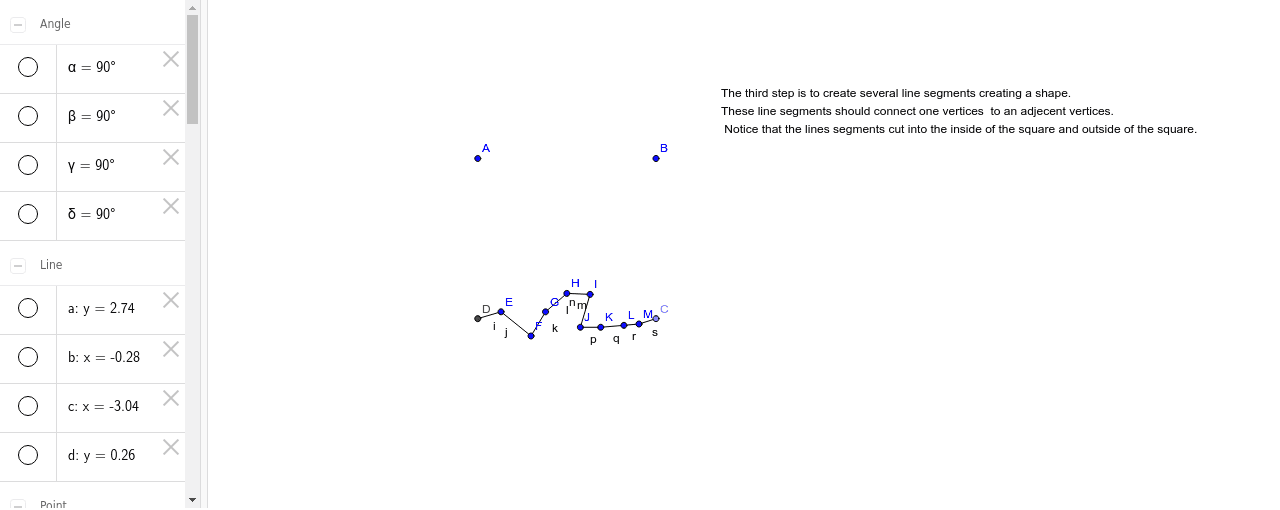
Line(A, B) → aOrthogonalLine(B, a) → bOrthogonalLine(A, a) → cPoint(b) → COrthogonalLine(C, c) → dIntersect(c, d) → DSegment(D, C) → eSegment(C, B) → fSegment(B, A) → gSegment(A, D) → hAngle(A, B, C) → αAngle(C, D, A) → βAngle(D, A, B) → γAngle(B, C, D) → δSegment(D, E) → iSegment(E, F) → jSegment(F, G) → kSegment(G, H) → lSegment(H, I) → mSegment(I, J) → nSegment(J, K) → pSegment(K, L) → qSegment(L, M) → rSegment(M, C) → s
AI Drawing Prompt Reference
Draw a unit circle, then from a point on the circle draw a line to the center, and from the same point draw a perpendicular to the tangent, forming an isosceles triangle. Label the three angles and related geometric elements to demonstrate the construction process.
The prompt above was compiled from the original drawing commands and is for reference only.