
Triangle and Circumcircle Construction
Loading the math board and drawing, please wait…
In collections
Supplementary!
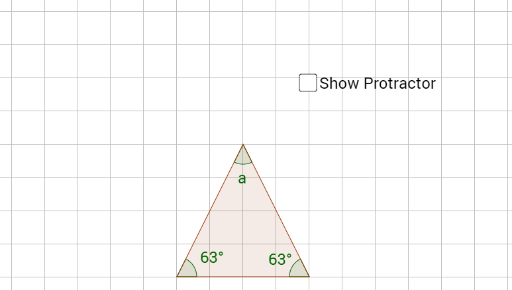
This example demonstrates how to construct a triangle and its circumcircle using GeoGebra. Key mathematical concepts include the properties of triangles, the definition of a circle, and basic geometric construction techniques. By using the Polygon command to draw the triangle, the Angle command to measure angles, and the Circumcircle command to construct the circumcircle, students can visually understand these concepts. Suitable for middle school and above students learning geometric construction.
GeoGebra Commands & Parameters
Polygon(A, B, C) → poly1, c, a, bAngle(A, B, C) → αAngle(B, C, A) → βAngle(C, A, B) → γ
AI Drawing Prompt Reference
Draw a triangle and its circumcircle. First, connect three non-collinear points to form a triangle, then measure and label the three interior angles of the triangle, and finally draw a circle that passes through the three vertices of the triangle to represent its circumcircle.
The prompt above was compiled from the original drawing commands and is for reference only.