
Translation Experiment
Loading the math board and drawing, please wait…
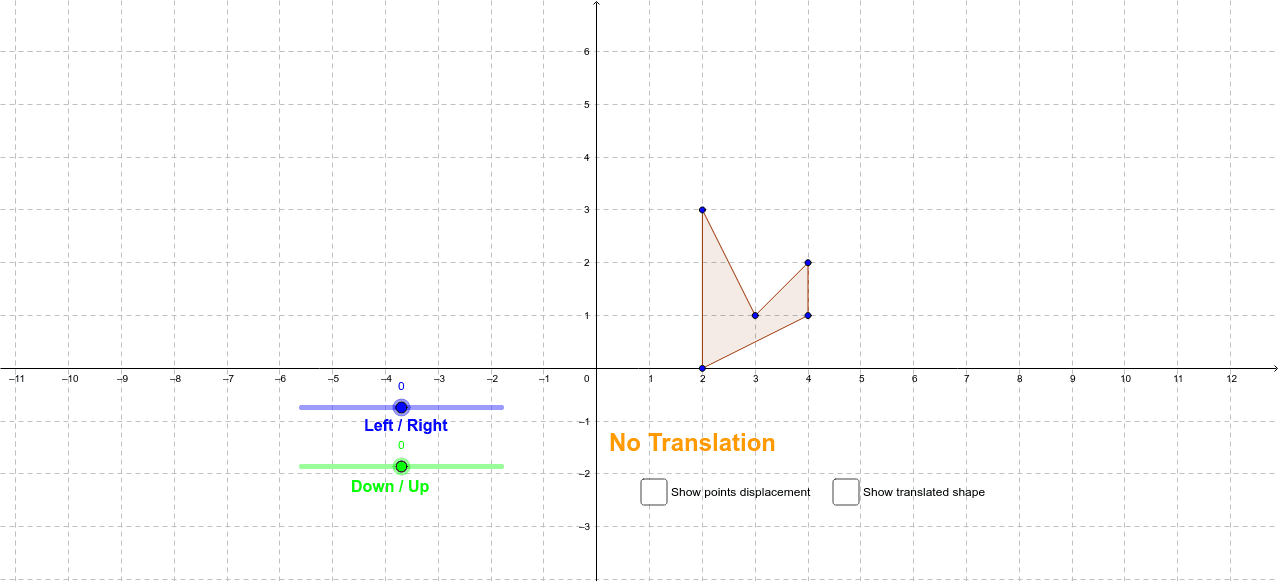
This example demonstrates how to translate objects using translation transformations. Key mathematical concepts include translation, linear equations, and coordinate geometry. Using GeoGebra commands such as Polygon and Vector, a quadrilateral is constructed and its changes through translation are observed. Suitable for middle school and above students to learn geometric transformations.
GeoGebra Commands & Parameters
Polygon(A, B, C, D, E) → poly1, a_1, b_1, c, d, eVector((a, b)) → uPolygon(F, J, I, H, G) → poly2, f, j, i, h, gVector(A, F) → vVector(E, J) → wVector(D, I) → kVector(C, H) → lVector(B, G) → m
AI Drawing Prompt Reference
First, draw a pentagon. Then, draw a quadrilateral. Next, translate the quadrilateral using a vector to change its position relative to the pentagon. Finally, observe the relative position change between the translated quadrilateral and the pentagon. This process demonstrates the basic principle of geometric transformations.
The prompt above was compiled from the original drawing commands and is for reference only.