
Squares, Squares, Squares – Interactive Exploration of Square Geometry
Loading the math board and drawing, please wait…
In collections
Understanding Polygons
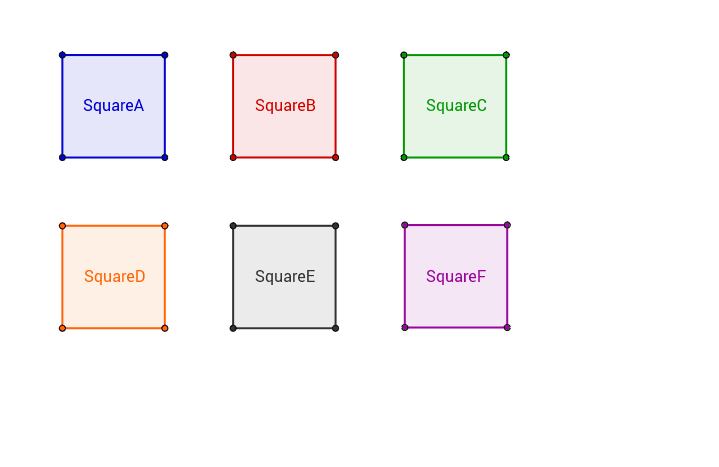
This example presents six interactive squares that can be manipulated by dragging their vertices, allowing learners to investigate the properties and transformations of squares in various orientations. The core mathematics involves the definition of a square (equal sides, right angles), coordinate geometry, orthogonal constructions, circle intersections, and logical reasoning about limits and quadratic relationships. The construction uses GeoGebra commands such as Point, Segment, Ray, Polygon, OrthogonalLine, Circle, Intersect, and Line to create vertices, edges, and auxiliary elements, and defines variables (a, b, c, d, …) to link the squares dynamically, resulting in objects like SquareA, SquareB, and SquareF. This activity is suitable for high‑school geometry classes, Olympiad problem practice, and interactive explorations of geometric constructions, as well as for teachers seeking a dynamic demonstration tool.
GeoGebra Commands & Parameters
Ray(M, U) → d1Point(d1) → VPolygon(A, B, C, D) → SquareA, a, b, c, dSegment(E, F) → eOrthogonalLine(F, e) → fCircle(F, E) → gIntersect(g, f, 2) → GOrthogonalLine(G, f) → hOrthogonalLine(E, e) → iIntersect(h, i) → HPolygon(E, F, G, H) → SquareB, e_1, f_1, g_1, h_1Segment(I, J) → jCircle(I, J) → kCircle(J, I) → pOrthogonalLine(I, j) → lOrthogonalLine(J, j) → mIntersect(p, m, 2) → KIntersect(k, l, 2) → LPolygon(I, J, K, L) → SquareF, i_1, j_1, k_1, l_1Segment(M, V) → nOrthogonalLine(M, n) → sSegment(Q, R) → tSegment(Q, S) → a1Line(S, t) → b1Line(R, a1) → c1Intersect(b1, c1) → TPolygon(Q, R, T, S) → SquareD, q_1, r_1, t_1, s_1OrthogonalLine(V, d1) → qPoint(q) → NOrthogonalLine(N, q) → rOrthogonalLine(M, n) → e1Intersect(r, e1) → OPolygon(M, V, N, O) → SquareC, m_1, v, n_1, oSegment(P, W) → f1Line(A1, f1) → h1Point(h1) → B1Polygon(P, W, B1, A1) → SquareE, p_1, w, b1_1, a1_1
AI Drawing Prompt Reference
Create a geometric illustration featuring six interactive squares arranged in varied orientations. Two squares are linked by vertices and auxiliary lines, while another pair is constructed using circle intersections and perpendicular lines. A fifth square emerges from a ray and segment, and a sixth square is formed by intersecting lines and points. The composition showcases the properties of squares, including equal sides, right angles, and dynamic relationships through draggable vertices.
The prompt above was compiled from the original drawing commands and is for reference only.