
Rhombus and Parallelogram Demo
Loading the math board and drawing, please wait…
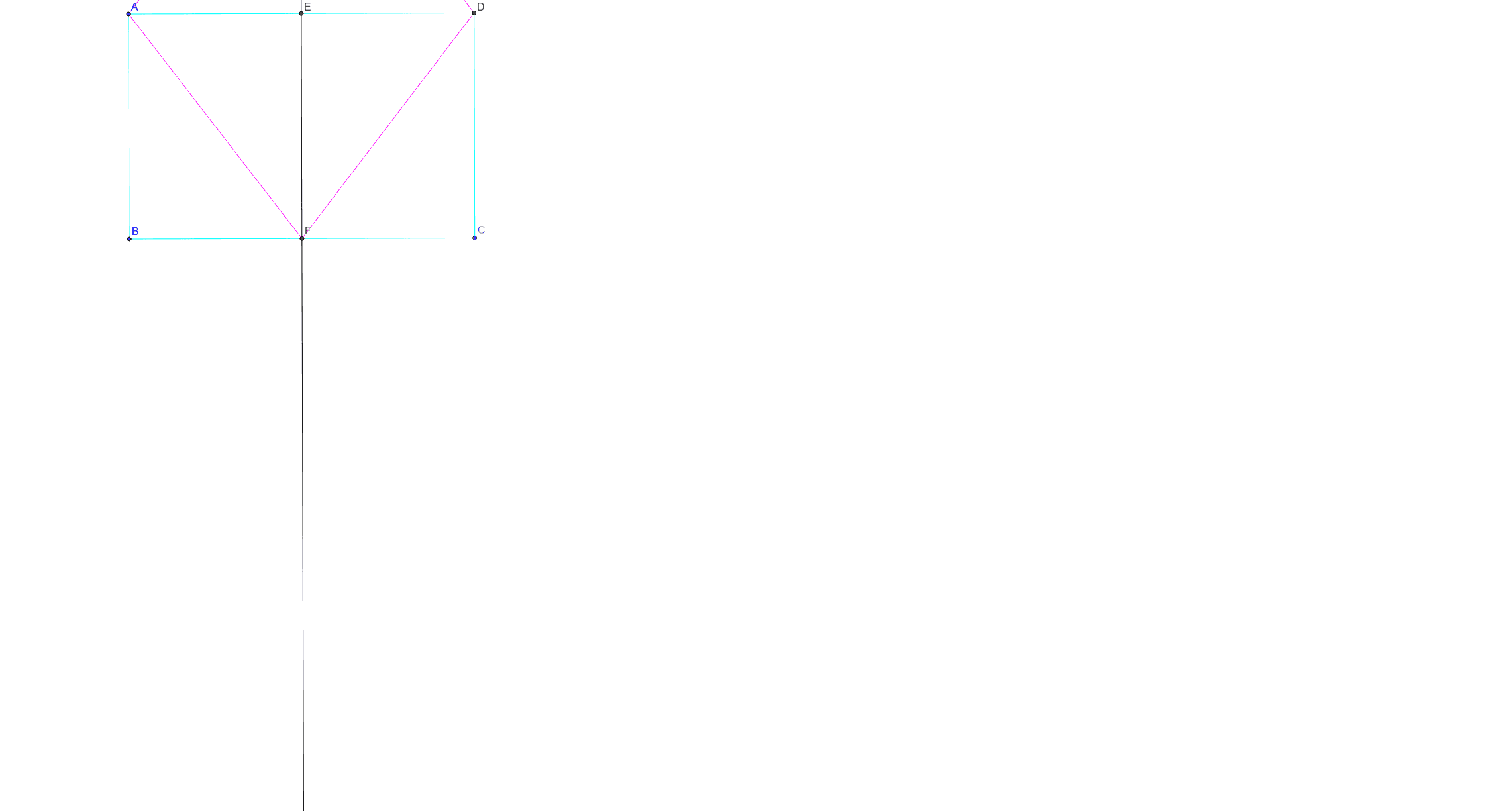
This example demonstrates the geometric properties and relationships of rhombuses and parallelograms. It involves core mathematical concepts such as parallelograms, rhombuses, diagonals, area calculation, and coordinate geometry. The construction highlights GeoGebra commands like Line, OrthogonalLine, Point, Intersect, Segment, Distance, Midpoint, LineBisector, Circle, Area, and PointIn. It is suitable for high school mathematics teaching, focusing on geometric construction and property exploration.
GeoGebra Commands & Parameters
Line(A, B) → aOrthogonalLine(B, a) → bOrthogonalLine(A, a) → cPoint(b) → COrthogonalLine(C, b) → dIntersect(c, d) → DSegment(A, B) → eSegment(B, C) → fSegment(C, D) → gSegment(D, A) → hDistance(A, B) → distanceABMidpoint(A, B) →Distance(A, D) → distanceADMidpoint(A, D) →LineBisector(f) → iDistance(B, C) → distanceBCMidpoint(B, C) →Intersect(c, i) → ECircle(E, A) → pDistance(A, E) → distanceAEMidpoint(A, E) →LineBisector(f) → jIntersect(b, i) → FCircle(A, F) → kCircle(D, F) → qIntersect(k, q, 2) → GSegment(A, G) → lSegment(G, D) → mSegment(D, F) → nSegment(F, A) → rArea(p) → oPointIn(p) → Pointp_1Area(k) → sPointIn(k) → PointkArea(p) → tPointIn(p) → Pointp
AI Drawing Prompt Reference
Draw a rhombus and a parallelogram, showing their diagonals intersect at right angles and bisect each other. Start by constructing a parallelogram, then draw its diagonals and find their intersection point. Use the intersection point as the center, draw circles with radii equal to the sides of the rhombus, and connect the intersection points to form the rhombus. Finally, calculate and label the areas of both shapes.
The prompt above was compiled from the original drawing commands and is for reference only.