
Revolving Rectangle in 3D
Loading the math board and drawing, please wait…
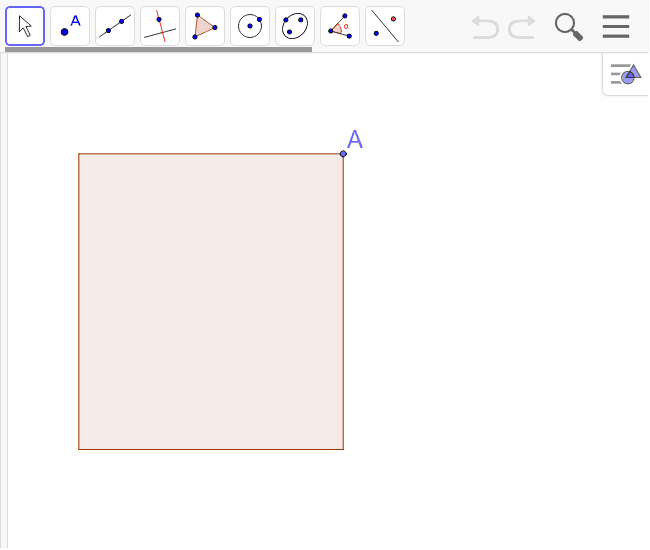
This example provides a visual representation for students to guess the shape formed by revolving a rectangle in 3D space. It involves core math concepts like parametric curves, probability, centroid, circumcircle, and similarity transformations. The construction utilizes commands such as Point, Ellipse, Intersect, Vector, Translate, Polygon, Mirror, and Segment. It is suitable for high school and above students to understand spatial geometry and parametric equations applications.
GeoGebra Commands & Parameters
Point(yAxis) → A_1Point(yAxis) → D_1Ellipse(B_1, C_1, D_1) → cIntersect(xAxis, yAxis) → EPoint(yAxis) → FEllipse(G, H, E) → dPoint(c) → AVector(A_1, F) → uTranslate(A, u) → BPolygon(A_1, A, B, F) → poly1, a, i, i', fMirror(A, A_1) → DMirror(B, F) → CPolygon(A, B, C, D) → poly2, i_1, i'_1, i'', i'_2Point(c) → IPoint(c) → JPoint(d) → KPoint(d) → LSegment(J, L) → bSegment(I, K) → e
AI Drawing Prompt Reference
Visualize a rectangle revolving in 3D space to form a solid shape. Start by drawing two intersecting lines as axes. Create two ellipses centered on one axis with points on it. Move one vertex of the rectangle perpendicularly to form another vertex. Draw the rectangle using these four vertices, then reflect it over two vertices to get two new rectangles. Finally, connect corresponding points on the ellipses to outline the side surface of the revolution.
The prompt above was compiled from the original drawing commands and is for reference only.