
Practice - Construct an Equilateral Triangle
Loading the math board and drawing, please wait…
In collections
*Geometry with Math Energy TV*
This example demonstrates how to construct an equilateral triangle using geometric methods. Key math concepts involved include circles, line segments, and angles. The construction uses GeoGebra commands for points and segments to create the basic shapes. Suitable for middle school and above students learning geometric construction techniques and properties of equilateral triangles.
GeoGebra Commands & Parameters
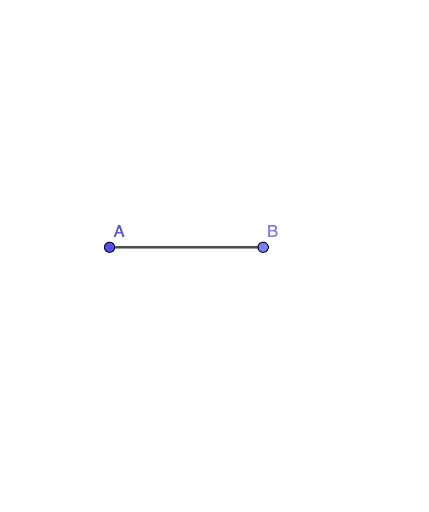
Point(Circle[A, 3]) → BSegment(A, B) → f
AI Drawing Prompt Reference
Draw an equilateral triangle by first creating a circle centered at a point with a radius of 3, then finding a point on the circle. Connect the center to this point to form a line segment. Next, draw another circle centered at this point with the same radius, find the intersection of this new circle with the first one, and finally connect the center to this intersection point to complete the equilateral triangle.
The prompt above was compiled from the original drawing commands and is for reference only.