
Plane Geometry Construction and Transformation Example
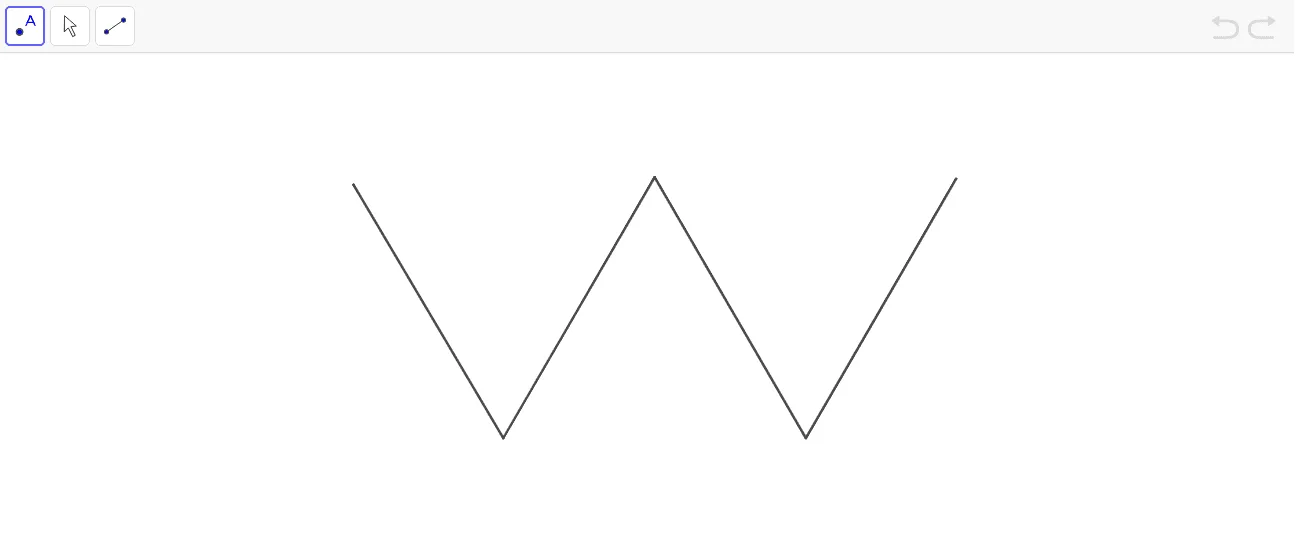
This GeoGebra applet demonstrates basic plane geometry construction processes in an interactive environment. By utilizing fundamental commands such as Point, Segment, and Intersect, the applet constructs a figure containing multiple geometric objects arranged in a meaningful configuration. The construction process guides users step by step through the creation of points, line segments, and intersection points, illustrating how complex geometric figures can be built from simple elements.
Integrating mathematical concepts such as the Law of Cosines and various geometric transformations—including translation, rotation, reflection, and dilation—this example provides a rich, hands-on experience for exploring plane geometry. Students can manipulate dynamic points and observe how changes in position affect the overall structure, deepening their understanding of geometric relationships. The Law of Cosines component allows learners to verify angle and side relationships within triangles constructed through the applet, connecting algebraic computation with visual representation.
Geometric transformations are demonstrated interactively, enabling users to see how shapes change under different operations while preserving key properties such as angle measure and proportionality. This visual approach helps students internalize transformation rules that are often abstract when presented solely through textbook definitions or static diagrams.
The applet is designed to support interactive exploration and supplementary instruction in secondary school mathematics, particularly within the geometry curriculum. Teachers can use it during lessons to illustrate construction techniques, demonstrate the effects of transformations in real time, and reinforce the connection between coordinate geometry and synthetic geometry. Students benefit from the immediate feedback provided by the dynamic interface, which encourages experimentation and self-directed discovery.
Overall, this GeoGebra applet serves as a valuable tool for helping learners visualize geometric concepts, develop spatial reasoning skills, and build a stronger intuitive foundation in plane geometry before advancing to more rigorous proof-based treatments.
In collections
P6 Math Enrichment: Curve Stitching
Loading the math board and drawing, please wait…