
Orthocenter Explorer
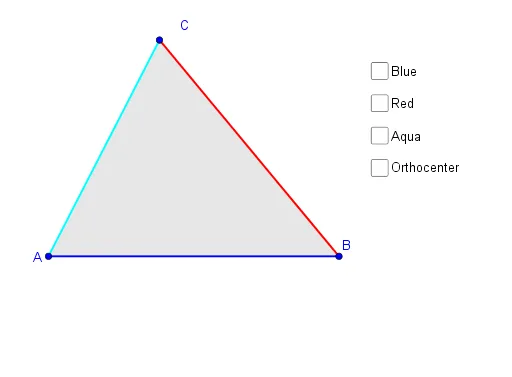
Loading the math board and drawing, please wait…
This example demonstrates the properties and construction of the orthocenter in a triangle. Core math concepts include triangles, perpendicular lines, orthogonal lines, intersections, circles, and line segments. It uses GeoGebra commands like Polygon, Line, OrthogonalLine, Intersect, Circle, and Segment. Suitable for high school mathematics teaching or self-study to understand the position and relationships of the orthocenter within a triangle.
GeoGebra Commands & Parameters
Polygon(A, B, C) → t1, c, a, bLine(B, A) → fLine(A, C) → gLine(B, C) → hOrthogonalLine(A, h) → iOrthogonalLine(C, f) → jOrthogonalLine(B, g) → kIntersect(i, j) → HIntersect(g, k) → EIntersect(f, j) → FIntersect(i, h) → GCircle(G, E, F) → dSegment(B, A) → lSegment(A, C) → mSegment(C, B) → nSegment(B, E) → pSegment(A, G) → qSegment(C, F) → r
AI Drawing Prompt Reference
Draw a triangle ABC, then construct the altitudes from vertices A, B, and C to the opposite sides. Find the intersection point H of these altitudes, which is the orthocenter of triangle ABC. Use H as the center to draw a circle passing through points E, F, and G, which are the intersections of the altitudes with the opposite sides. Finally, draw the sides of triangle ABC and the lines connecting H to E, F, and G.
The prompt above was compiled from the original drawing commands and is for reference only.