
Ordering Rational Numbers by Celia Jimenez (2)
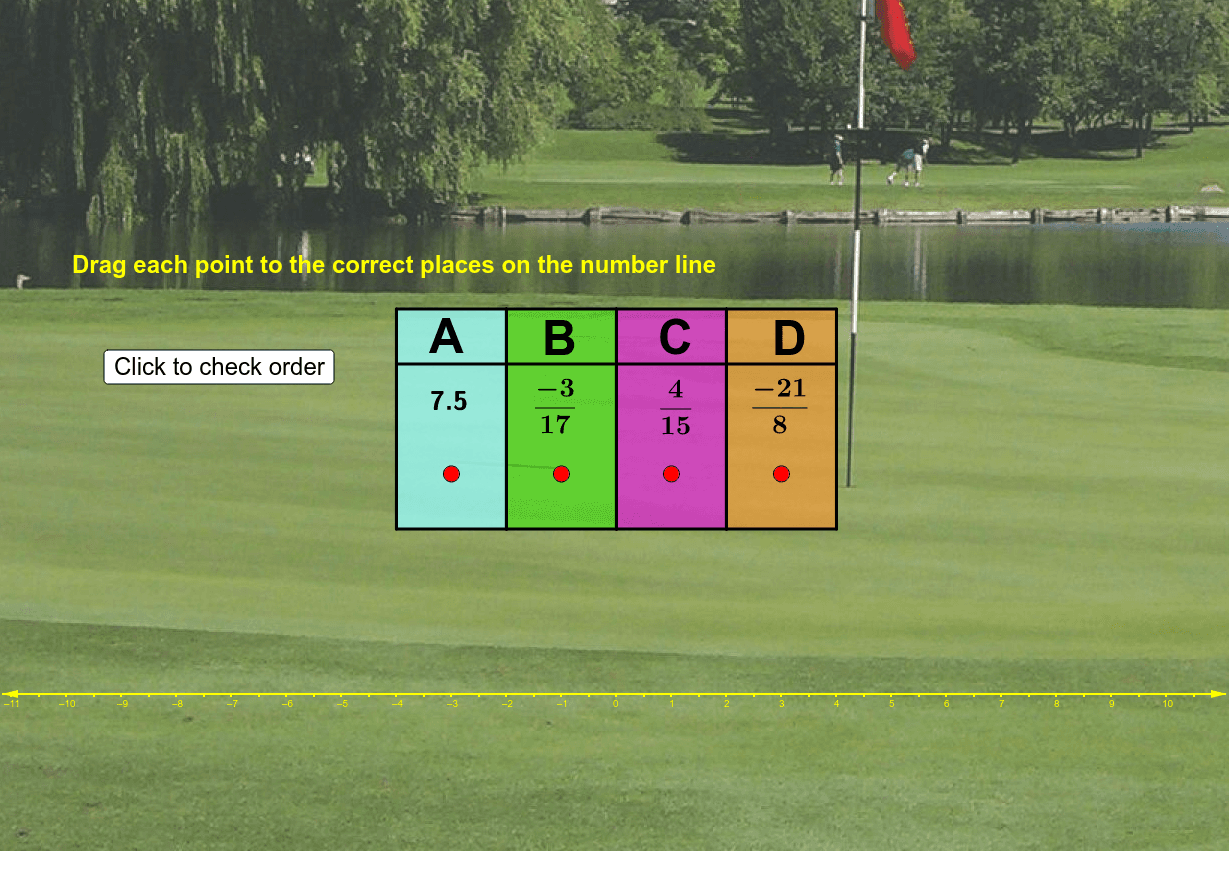
Loading the math board and drawing, please wait…
This example demonstrates the ordering of rational numbers by dragging them to their correct positions on the number line. Key mathematical concepts include rational numbers and their representation on the number line. Commands used include Polygon, Segment, Sort, If, and RandomElement. Suitable for middle school math education to help students understand the relationships between rational numbers.
GeoGebra Commands & Parameters
Polygon(K, L, V, W) → poly2, k_1, l, v, w_1Polygon(L, V, U, M) → poly3, l_1, v_1, u, mPolygon(M, U, T, N) → poly4, m_1, u_1, t, nSegment(I, H) → aSegment(H, Z) → cSegment(Z, F) → dSegment(F, G) → eSegment(A_1, Aact) → fSegment(C_1, Cact) → gSegment(D_1, Dact) → hSegment(B_1, Eact) → iSort({x(A_1), x(B_1), x(C_1), x(D_1)}) → list1If(IndexOf[E, Sort[{A1, B1, C1, D1}]] ≟ IndexOf[x(B_1), Sort[{x(A_1), x(B_1), x(C_1), x(D_1)}]], 1) → orderBIf(IndexOf[A, Sort[{A1, B1, C1, D1}]] ≟ IndexOf[x(A_1), Sort[{x(A_1), x(B_1), x(C_1), x(D_1)}]], 1) → orderASort({A1, B1, C1, D1}) → TestIf(IndexOf[C, Sort[{A1, B1, C1, D1}]] ≟ IndexOf[x(C_1), Sort[{x(A_1), x(B_1), x(C_1), x(D_1)}]], 1) → orderCIf(IndexOf[D, Sort[{A1, B1, C1, D1}]] ≟ IndexOf[x(D_1), Sort[{x(A_1), x(B_1), x(C_1), x(D_1)}]], 1) → orderDRandomElement({2, 3, 4, 5, 6, 7, 8, 9, 10, 11, 12}) → DdenomRandomElement({-9, -8, -7, -6, -5, -4, -3, -2, -1, 1, 2, 3, 4, 5, 6, 7, 8, 9}) → DwholePolygon(J, X, W, K) → poly1, j, E_1, w, k
AI Drawing Prompt Reference
Draw a number line with four points A, B, C, and D placed in order. First, draw several points on the number line, then sort these points from smallest to largest and connect adjacent points with line segments. Finally, randomly generate the denominator and whole number part of fraction D, ensuring it is correctly placed on the number line.
The prompt above was compiled from the original drawing commands and is for reference only.