
Measurement: Area & Perimeter of Rectangles
Loading the math board and drawing, please wait…
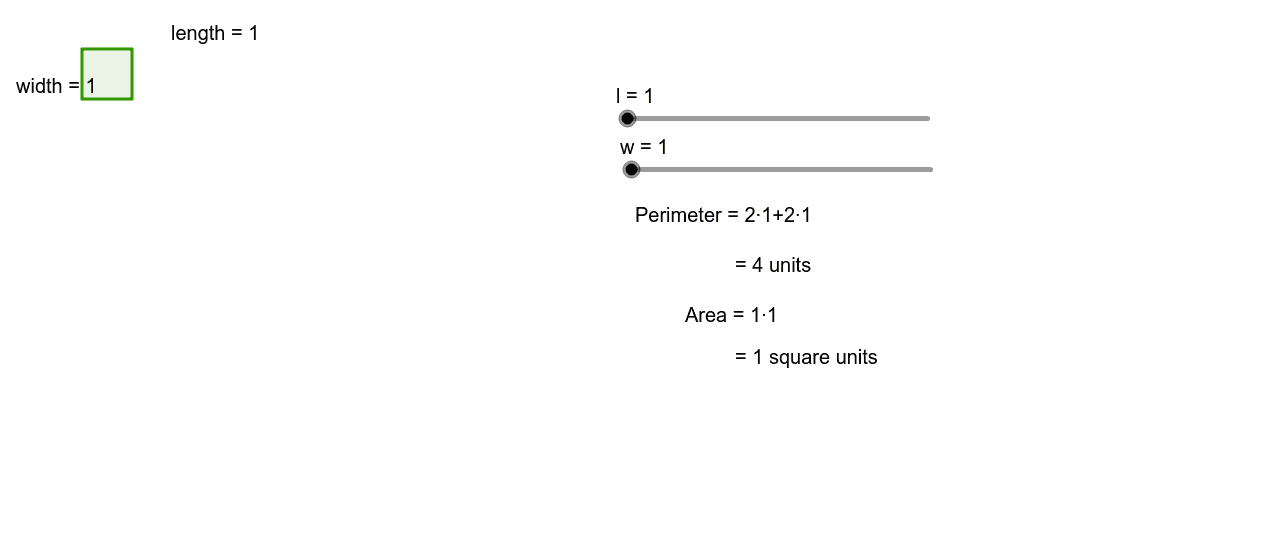
This example allows students to change the lengths and widths of rectangles by increments of one up to 20, observing the changes in area and perimeter. Key math concepts include area and perimeter calculations. GeoGebra commands used include Polygon, Sum, and others. Suitable for upper elementary or middle school students for geometric construction and exploration.
GeoGebra Commands & Parameters
Polygon(A, B, C, D) → poly1, a, b, c, dSum({a, b, c, d}) → e
AI Drawing Prompt Reference
Draw a rectangle where both the length and width can be adjusted in increments of 1 from 1 to 20. Observe the changes in area and perimeter. First, draw four points to be the vertices of the rectangle, then connect these points to form the rectangle. Finally, calculate and display the area and perimeter.
The prompt above was compiled from the original drawing commands and is for reference only.