
Investigating Means
Loading the math board and drawing, please wait…
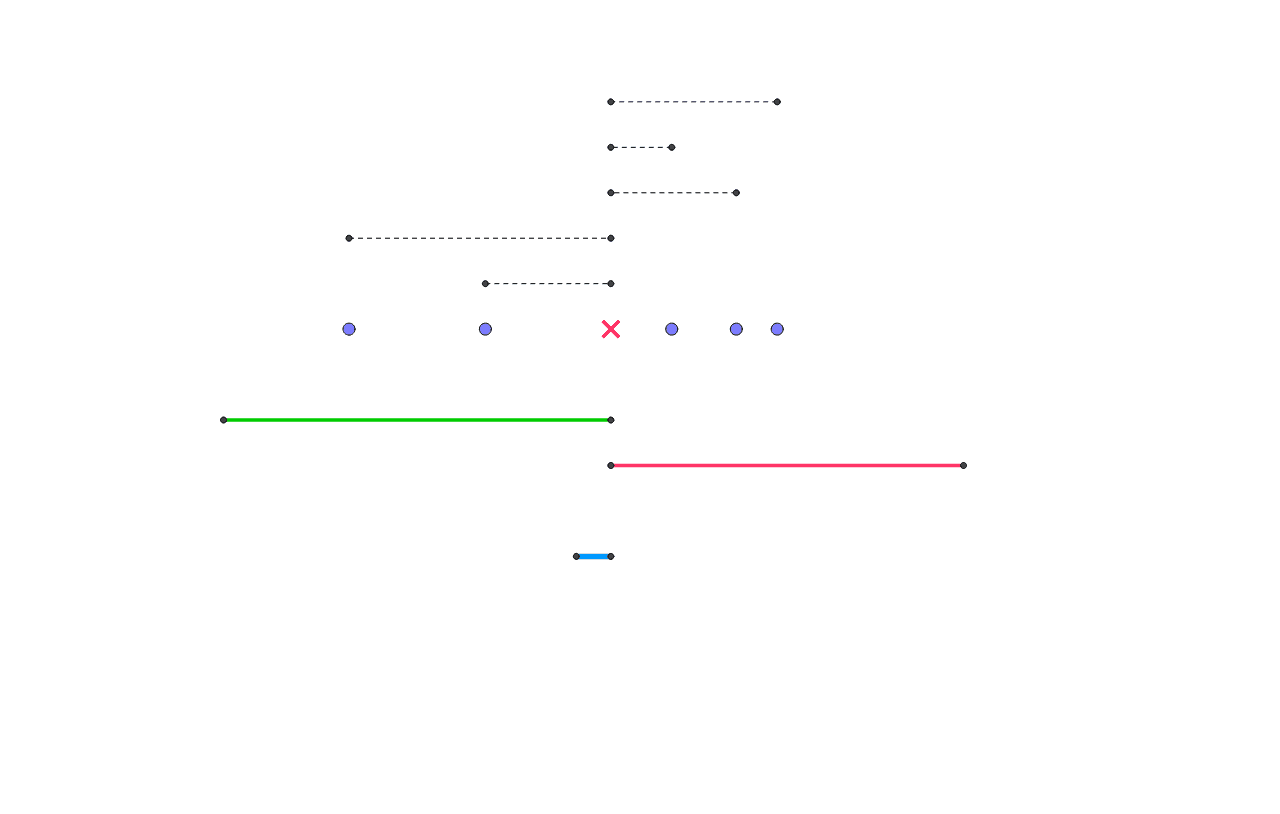
Explore how means change by moving data points and trying different means. This example covers the concept of means and uses GeoGebra commands such as Point, OrthogonalLine, Intersect, etc., for geometric construction. Suitable for middle school and above students or teachers to understand the dynamic changes in means.
GeoGebra Commands & Parameters
Point(a) → APoint(a) → BPoint(a) → CPoint(a) → DPoint(a) → EPoint(a) → FOrthogonalLine(A, a) → bOrthogonalLine(B, a) → cOrthogonalLine(C, a) → dOrthogonalLine(D, a) → eOrthogonalLine(E, a) → fOrthogonalLine(F, a) → gIntersect(b, h) → GIntersect(d, h) → HSegment(G, H) → mIntersect(c, i) → IIntersect(d, i) → JSegment(I, J) → nIntersect(e, j) → KIntersect(d, j) → LSegment(K, L) → pIntersect(f, k) → MIntersect(d, k) → NSegment(M, N) → qIntersect(g, l) → OIntersect(d, l) → PSegment(O, P) → rIntersect(d, a_1) → QSegment(R, Q) → b_1Midpoint(b_1) → SIntersect(d, d_1) → TIntersect(d, c_1) → UMin(o, 0) → o1Max(o, 0) → o2Min(s, 0) → s1Max(s, 0) → s2Min(t, 0) → t1Max(t, 0) → t2Min(u, 0) → u1Max(u, 0) → u2Min(v, 0) → v1Max(v, 0) → v2Segment(T, V) → e_1Segment(U, W) → f_1
AI Drawing Prompt Reference
Draw points A, B, C, D, E, F, then draw perpendicular lines from these points to the x-axis, find their intersections with the y-axis to get points G, H, I, J, K, L, M, N, O, P. Connect these points to form segments m, n, p, q, r. Then, find the midpoints of segments m, n, p, q, r to form segment b_1, find the midpoint S of b_1, and connect S with points T and U on the y-axis to form segments e_1 and f_1.
The prompt above was compiled from the original drawing commands and is for reference only.