
Interactive Geometric Rotation Transformation Demo
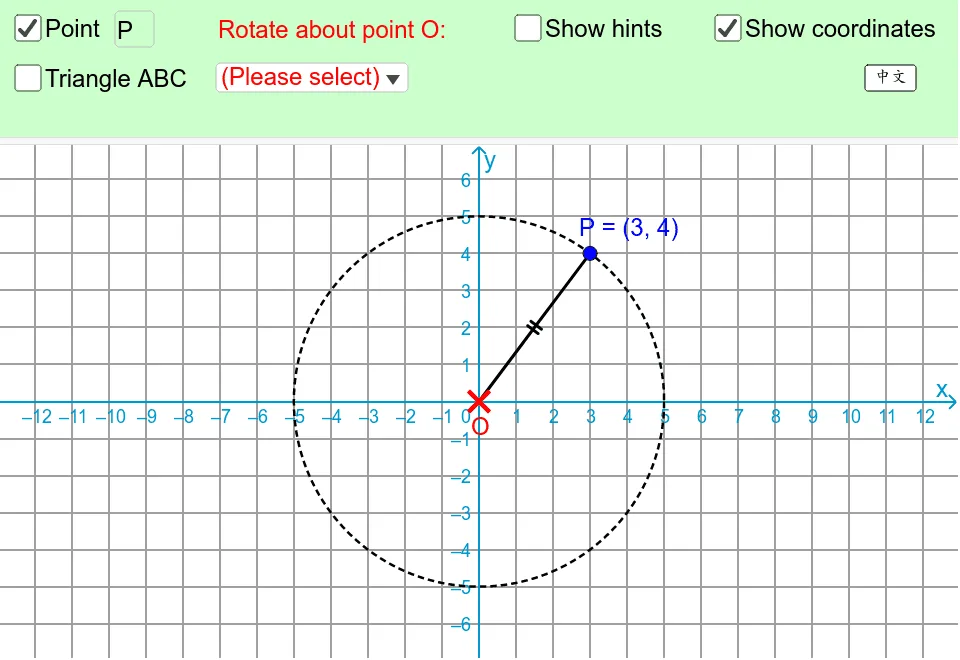
This example demonstrates rotation transformations in plane geometry. Using interactive sliders to control the rotation angle, it shows the dynamic process of rotating polygons, circles, and rectangles around a specified center point. Users can observe the relationships between corresponding points, sides, and angles before and after rotation, intuitively understanding that rotation is an isometry that preserves both the shape and size of geometric figures. The applet supports dynamic adjustment of the center of rotation and the rotation angle, allowing students to explore how these key parameters affect the transformation. Through real-time visual feedback, learners can trace the motion of individual vertices and see how each point maintains a constant distance from the center of rotation while sweeping out an arc equal to the rotation angle. Corresponding line segments remain congruent, and corresponding angles stay equal throughout the transformation, reinforcing the fundamental properties of rotational symmetry. Students benefit by developing a deeper, visual intuition for rigid transformations that goes beyond memorizing definitions. By manipulating the slider, they can pause at any intermediate angle and examine the partial rotation, helping them connect the static snapshots to the continuous motion of the transformation. The ability to change the rotation center dynamically encourages exploration of special cases, such as rotations about a vertex of a polygon or about the center of a circle. This hands-on experimentation builds a strong conceptual foundation for later topics in transformational geometry, including composition of transformations, rotational symmetry, and coordinate geometry.
In collections
Coordinate Geometry (Secondary 1)
Loading the math board and drawing, please wait…