
Geoboard Quadrilaterals Exploration
Loading the math board and drawing, please wait…
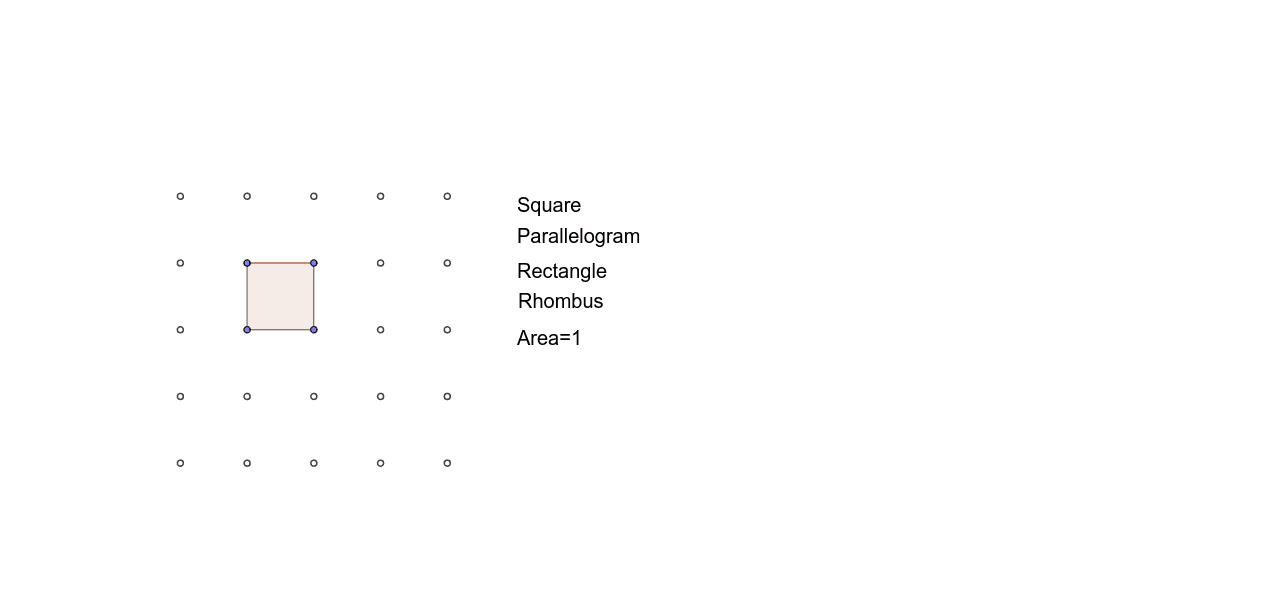
This example demonstrates how students explore quadrilateral properties and verify assumptions from class investigations using a geoboard. Core math concepts include quadrilateral classification, parallelograms, squares, congruence, natural numbers, and random experiments. It uses GeoGebra commands like Point, Polygon, and Slope to construct multiple points and polygons. Suitable for middle school and above mathematics teaching for geometric construction and property exploration.
GeoGebra Commands & Parameters
Point(list1) → APoint(list1) → BPoint(list1) → CPoint(list1) → DPolygon(A, B, C, D) → poly1, a, b, c, dSlope(a) → a_mSlope(b) → b_mSlope(c) → c_mSlope(d) → d_m
AI Drawing Prompt Reference
Draw a quadrilateral formed by four points. Connect these points in order to create the shape. Ensure the quadrilateral is open and can be adjusted freely. Focus on showing properties such as side lengths and angles. Keep the shape simple for easy observation and understanding.
The prompt above was compiled from the original drawing commands and is for reference only.