
Fraction Comparison by Andrew Barrett
Loading the math board and drawing, please wait…
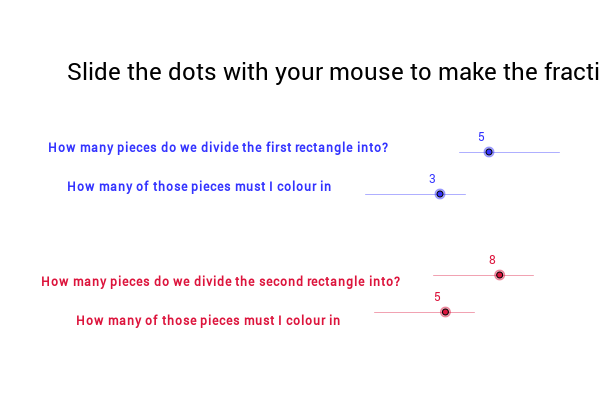
This example demonstrates how to visually compare the sizes of two fractions. Key math concepts include fraction comparison, least common multiple (LCM), sequence generation, coordinate geometry, and the construction of segments and polygons. The construction highlights the use of commands like LCM, Sequence, and Element to find the LCM of denominators and generate fraction sequences, while Segment and Polygon are employed to graphically represent fraction sizes. Suitable for middle school and above, it aids in understanding intuitive fraction comparison methods and GeoGebra construction techniques.
GeoGebra Commands & Parameters
LCM(den1, den2) → bSequence((-5 + i * 10 / den1, 0), i, 0, den1) → list1Element(list1, 1) → cSequence((-5 + i * 10 / den1, 0.8), i, 0, den1) → list2Sequence(Segment[Element[list1, i], Element[list2, i]], i, 1, den1 + 1) → list3Sequence((-5 + i * 10 / den2, 0), i, 0, den2) → list4Sequence((-5 + i * 10 / den2, -0.8), i, 0, den2) → list5Sequence((-5 + i * 10 / b, 0), i, 0, b) → list7Sequence(Segment[Element[list4, i], Element[list5, i]], i, 0, den2 + 1) → list6Segment(D, C) → aPolygon(E, F, J_1, K_1) → poly1, e, f, j_1, k_1Polygon(H, G, K_2, J_2) → Poly2, h, g, k_2, j_2Segment(J_1, K_11) → dSegment(J_1, K_2) → iSegment(K_2, K) → jSegment(K_11, K) → k