
Exploring the Properties of a Rectangle
Loading the math board and drawing, please wait…
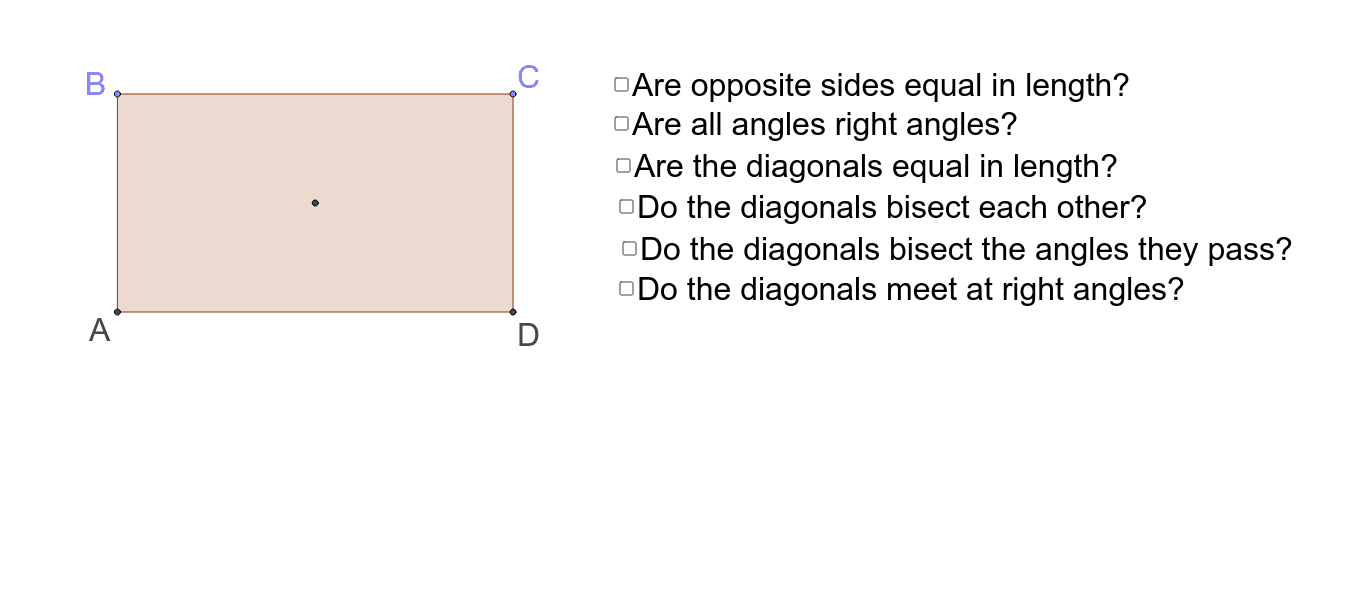
This applet allows you to explore the properties of a rectangle by moving its vertices. Key mathematical concepts include equal opposite sides, right angles, and equal and bisecting diagonals. Commands used include constructing a rectangle, measuring angles, and segments. Suitable for middle school and above students to learn geometric construction and property exploration.
GeoGebra Commands & Parameters
Intersect(xAxis, yAxis) → APoint(yAxis) → BOrthogonalLine(B, yAxis) → aPoint(a) → COrthogonalLine(C, a) → bIntersect(b, xAxis) → DPolygon(A, B, C, D) → poly1, a_1, b_1, c, dAngle(D, A, B) → αAngle(A, B, C) → βAngle(B, C, D) → γAngle(C, D, A) → δSegment(A, C) → gSegment(B, D) → hIntersect(g, h) → ESegment(A, E) → jSegment(E, C) → kSegment(D, E) → lSegment(E, B) → mAngle(A, E, D) → εAngle(D, E, C) → ζAngle(C, E, B) → ηAngle(B, E, A) → θAngle(E, A, B) → ιAngle(A, B, E) → κAngle(E, B, C) → λAngle(B, C, E) → μAngle(E, C, D) → νAngle(C, D, E) → ξAngle(E, D, A) → οAngle(D, A, E) → ρPolygon(A, B, C, D) → poly2, a_2, b_2, c_1, d_1Segment(B, D) → qSegment(A, C) → rSegment(B, D) → pSegment(A, C) → t
AI Drawing Prompt Reference
Draw a rectangle and explore its properties by moving its vertices. Start by creating point A at the intersection of the x-axis and y-axis, then create point B on the y-axis and draw a line a perpendicular to the y-axis through B. Create point C on line a, then draw a line b perpendicular to a through C, and let b intersect the x-axis at point D. Connect points A, B, C, and D to form the rectangle. Measure the angles to observe the angle relationships. Draw diagonals AC and BD, and let their intersection be point E. Connect AE, EC, DE, and BE, and measure the lengths of these segments to observe the segment relationships.
The prompt above was compiled from the original drawing commands and is for reference only.