
Explore a Rhombus
Loading the math board and drawing, please wait…
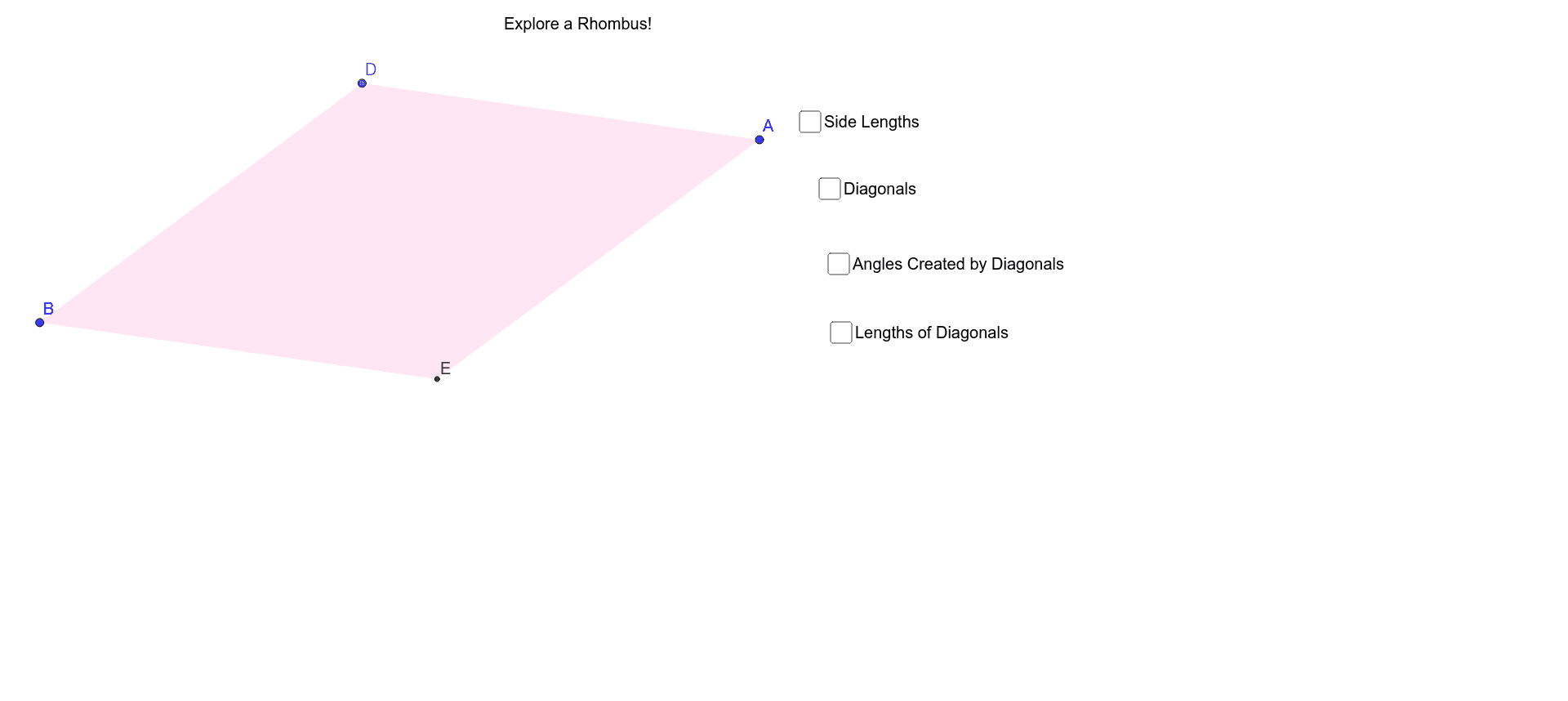
This example demonstrates how to construct a rhombus using GeoGebra and explore its properties. Core mathematical concepts include polygons, coordinate geometry, trigonometry, and geometric construction. Key construction steps involve commands like Segment, Midpoint, OrthogonalLine, Point, Line, Intersect, Polygon, Angle, and Distance. Suitable for high school mathematics teaching or student-led exploration of geometric properties.
GeoGebra Commands & Parameters
Segment(A, B) → aMidpoint(a) → COrthogonalLine(C, a) → bPoint(b) → DSegment(D, B) → cLine(A, c) → dIntersect(d, b) → EPolygon(D, A, E, B) → poly1, d_1, a_1, e, b_1Segment(D, E) → fAngle(E, C, A) → αAngle(B, D, C) → βAngle(C, D, A) → γAngle(D, A, C) → δAngle(C, A, E) → εAngle(A, E, C) → ζAngle(C, E, B) → ηAngle(C, B, D) → θAngle(E, B, C) → ιDistance(C, A) → distanceCAMidpoint(C, A) →Distance(C, E) → distanceCEMidpoint(C, E) →Distance(C, D) → distanceCDMidpoint(C, D) →Distance(C, B) → distanceCBMidpoint(C, B) →