
Demonstration of Polygon Rotation Transformation
This GeoGebra applet provides a comprehensive and interactive demonstration of the rotation transformation of a polygon around a specified center point in plane geometry. By constructing an initial polygon and explicitly defining its vertices, the applet utilizes geometric rotation commands to generate the corresponding rotated polygon and its new vertex positions. This dynamic model serves as an excellent visual tool for exploring how two-dimensional figures behave under rigid rotational transformations.
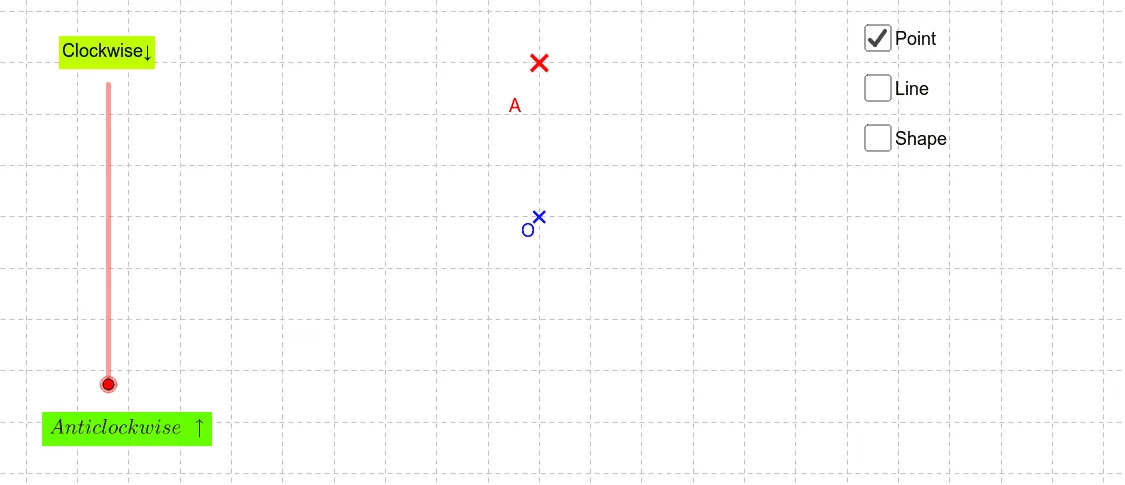
Users can actively engage with the model by manipulating various geometric elements. The interface displays essential components such as the center of rotation, rotation angles, connecting line segments, and directional vectors. Students and educators can drag the center of rotation to observe how the spatial relationship changes, adjust the angle of rotation to see the polygon sweep through different orientations, and even modify the shape of the original polygon by dragging its vertices. As these adjustments are made, the rotated image updates in real time, providing immediate visual feedback.
Mathematically, the applet vividly illustrates the fundamental properties of isometries. It clearly demonstrates that rotation is a rigid transformation, meaning the shape and size of the polygon remain strictly invariant throughout the process. The applet highlights the precise relationship between corresponding points and the center of rotation, allowing users to verify that the distance from any vertex to the center of rotation remains constant before and after the transformation. Furthermore, the displayed vectors and angles help learners confirm that the angle formed by any point, the center of rotation, and its corresponding image point is exactly equal to the designated angle of rotation.
For students, this interactive environment bridges the gap between abstract algebraic definitions and concrete geometric intuition. It empowers them to discover the properties of rotational symmetry and rigid motions independently rather than just memorizing theorems. By visually confirming the preservation of side lengths, interior angles, and overall area, learners build a robust conceptual foundation in transformational geometry. Teachers can utilize this applet as a powerful instructional aid to guide classroom discussions, pose exploratory questions, and help students master the core principles of plane geometry transformations.
Loading the math board and drawing, please wait…