
Creating Symmetric Figures Level 4: Geometric Transformations and Sequences
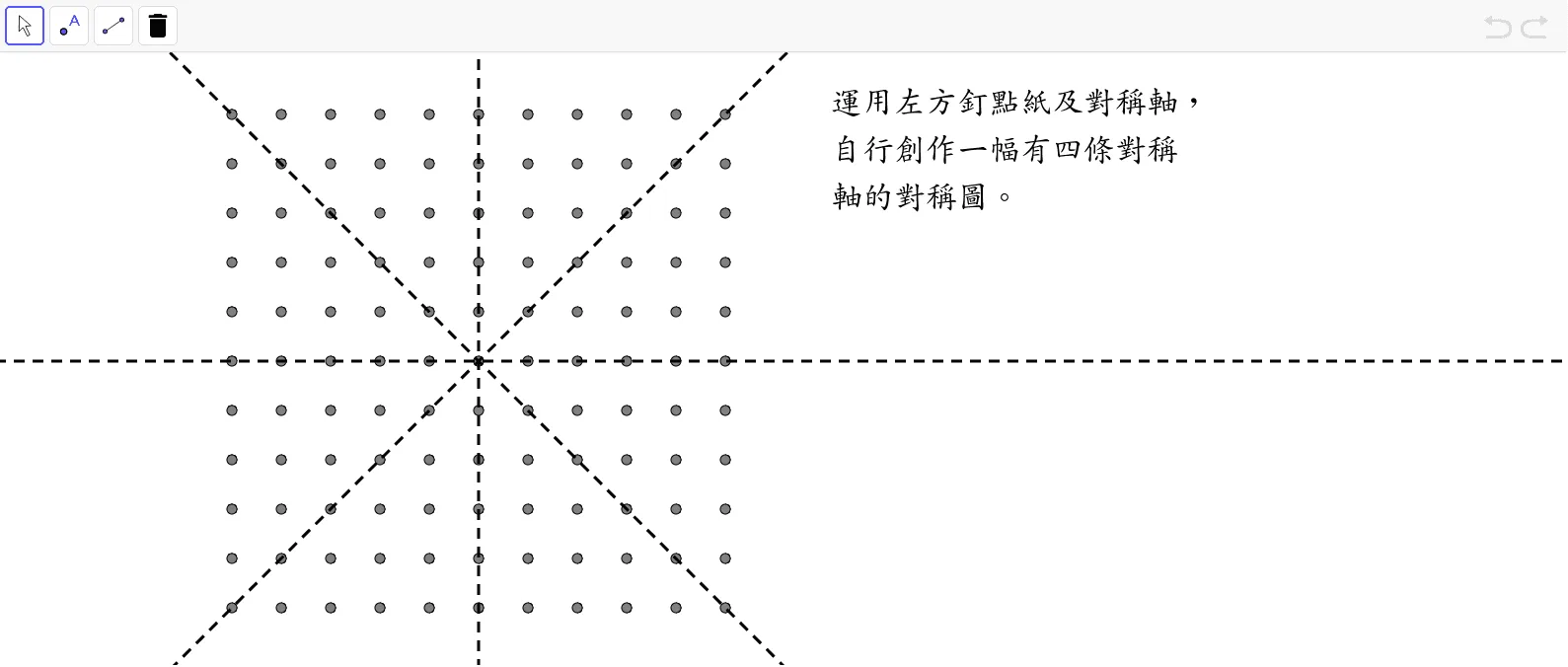
This GeoGebra math applet demonstrates the creation of complex symmetric figures at Level 4, focusing on geometric transformations and sequences. By utilizing core commands such as Sequence and Line, along with the geometric construction of multiple points and lines, it dynamically generates geometric patterns with rich symmetric properties. The example involves the combination of basic geometric elements like right triangles and cleverly integrates geometric transformations—including reflections, rotations, and translations—alongside algebraic sequence concepts to produce intricate and visually striking designs. Students can manipulate parameters in real time to observe how changing individual values affects the overall symmetry and structure of the generated figures. This interactive exploration helps learners develop a deeper understanding of how repeated transformations applied through sequences can build complexity from simple starting shapes. The applet is particularly useful for students studying advanced Euclidean geometry, transformational reasoning, and the intersection of algebra and geometry. It encourages experimentation and discovery, allowing learners to see firsthand how mathematical definitions and constructions translate into beautiful symmetric artwork. Teachers can use this tool to illustrate key topics such as reflective symmetry, rotational symmetry, tiling patterns, and the power of algorithmic thinking in geometric design. Through hands-on interaction, students build intuition about how iterative processes and sequence-based generation can model natural and artistic patterns.
Loading the math board and drawing, please wait…