
Constructing a parabola by Michael Brown
Loading the math board and drawing, please wait…
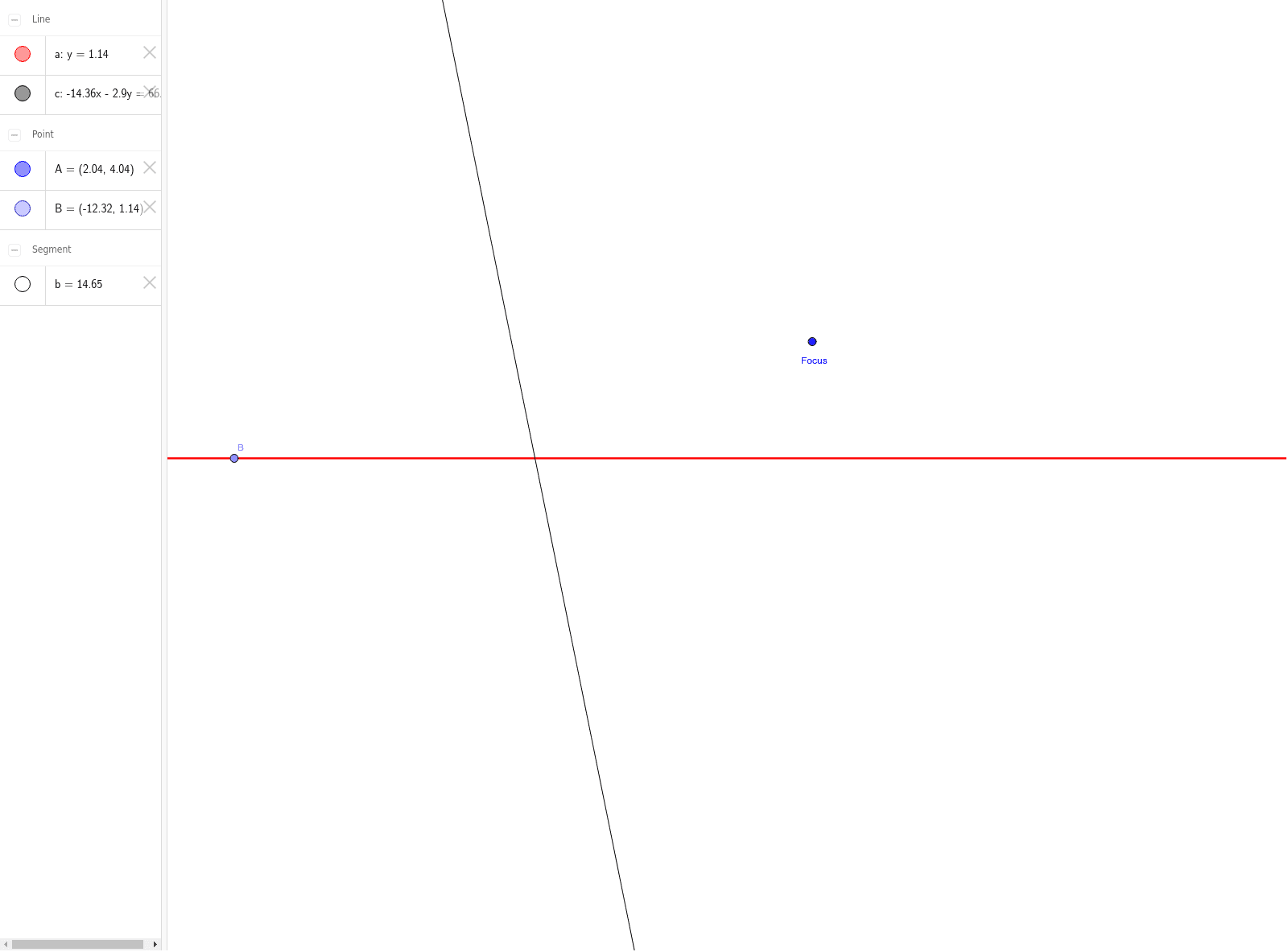
This GeoGebra example demonstrates the geometric construction of a parabola, which is the set of points equidistant from a fixed point (focus) and a fixed line (directrix). Key mathematical concepts include conic sections, quadratic functions, and coordinate geometry. The construction utilizes commands such as Point to define vertices, Segment to draw lines, and LineBisector to create perpendicular bisectors, with objects like points A, B and segments a, b, c serving as geometric elements. It is suitable for high school or introductory college mathematics, aiding in visualizing parabolic properties and construction techniques.
GeoGebra Commands & Parameters
Point(a) → BSegment(B, A) → bLineBisector(b) → c
AI Drawing Prompt Reference
Draw a point to represent the focus and a line to represent the directrix. Choose a point on the directrix, then draw a segment connecting this point to the focus. Construct the perpendicular bisector of that segment. Repeat the process for several points along the directrix, drawing each segment and its bisector, and finally connect the resulting points to visualize the parabola. Optionally label the focus and directrix for clarity.
The prompt above was compiled from the original drawing commands and is for reference only.