
Area of Parallelogram by Alfred Estberg
Loading the math board and drawing, please wait…
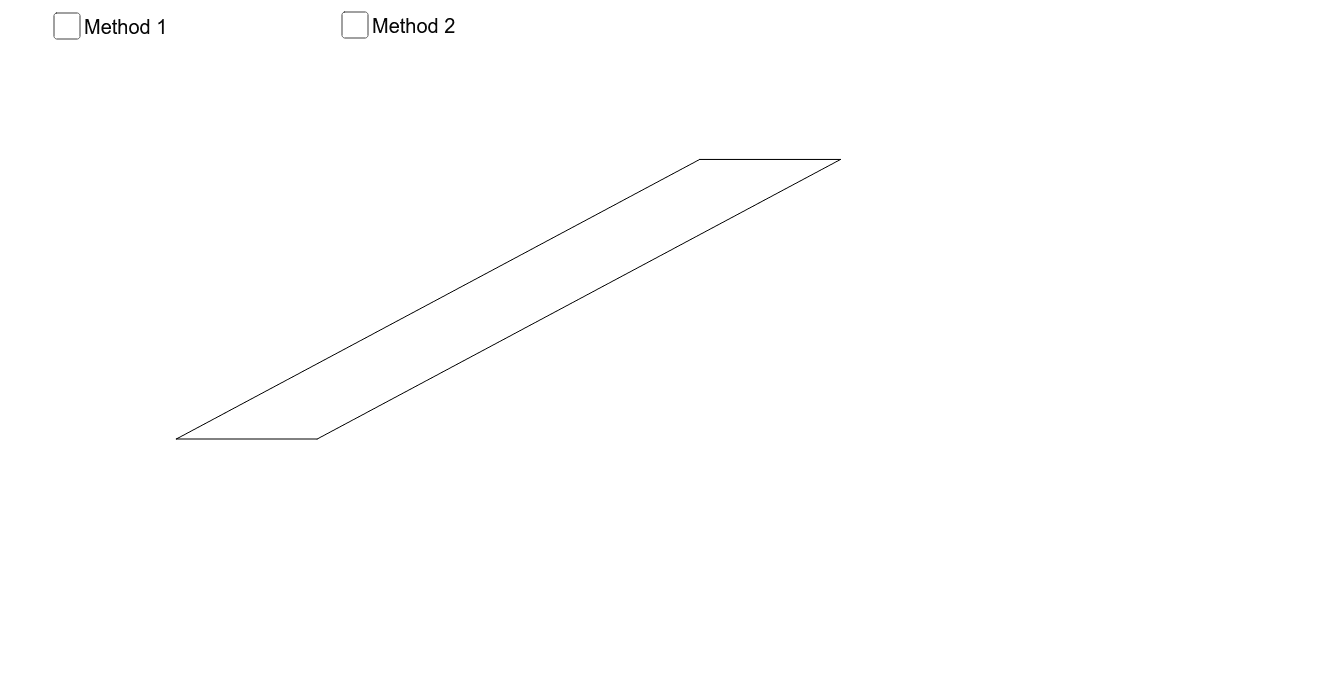
This example demonstrates how to calculate the area of a parallelogram using geometric construction. Key mathematical concepts include the properties and area formula of a parallelogram. Using GeoGebra commands such as Segment, Polygon, and Translate, the construction process is dynamically shown. Suitable for middle school and above students to learn geometry and area calculation.
GeoGebra Commands & Parameters
Segment(A, B) → baseSegment(A, C) → bCircle(C, base) → cLine(B, b) → dLine(C, base) → eIntersect(d, e) → DSegment(B, D) → fSegment(C, D) → gVector(A, C) → uSequence(A + (i * v), i, 1, Subdivisions) → list1Sequence(B + (i * v), i, 1, Subdivisions) → list2Sequence(Segment[Element[list1, i], Element[list2, i]], i, 1, Subdivisions) → list3Vector(A, Intersect[OrthogonalLine[C, base], Line[A, base]]) → wSequence(Translate[Element[list3, p], Vector[((p * Translator) * (-h))]], p, 1, Subdivisions) → list4Translate(C, Vector[(((-h) * Translator) * Subdivisions)]) → C'Segment(A, C') → iTranslate(D, Vector[(((-h) * Translator) * Subdivisions)]) → D'Segment(B, D') → jSequence(A + (i * v), i, 0, Subdivisions) → list5Sequence(B + (i * v), i, 0, Subdivisions) → list6Polygon(Element[list5, 1], Element[list5, 2], Element[list6, 2], Element[list6, 1]) → poly1, l, m, p, qSequence(Polygon[Element[list5, q], Element[list5, q + 1], Element[list6, q + 1], Element[list6, q]], q, 1, Subdivisions) → list7Sequence(Translate[Element[list7, p], Vector[((p * Translator) * (-h))]], p, 1, Subdivisions) → list8Line(A, base) → aOrthogonalLine(D, a) → rIntersect(a, r) → ESegment(D, E) → heightSegment(A, E) → tAngle(D, E, B) → αTranslate(D, Vector[E, B]) → D'_1Translate(E, Vector[E, B]) → E'Segment(D'_1, E') → height'Segment(A, B) → sSegment(B, D) → base_2Intersect(OrthogonalLine[B, base_2], b) → FSegment(B, F) → height_2Polygon(A, F, B) → poly2, b_1, a_2, f_1Translate(A, Vector[(o * Vector[B, D])]) → A'Translate(F, Vector[(o * Vector[B, D])]) → F'Translate(B, Vector[(o * Vector[B, D])]) → B'Polygon(A', F', B') → poly2', b', a', f'Segment(B', F') → height_2'Polygon(B, F, F', D) → poly3, b_2, f_2, f'_1, d_1Angle(D, B, F) → β
AI Drawing Prompt Reference
Draw a parallelogram to demonstrate how to calculate its area using geometric construction. Start by drawing the base and another side of the parallelogram, then draw a circle with the side as the radius to find intersection points. Connect these points to form the parallelogram. Next, subdivide the base and the connecting lines to construct multiple small rectangles, dynamically showing the sum of their areas. Finally, mark the height of the parallelogram and its perpendicular relationship to the base to visualize the area calculation process.
The prompt above was compiled from the original drawing commands and is for reference only.