
Geogebra Cuboid and Cube Views - Level 1
Loading the math board and drawing, please wait…
In collections
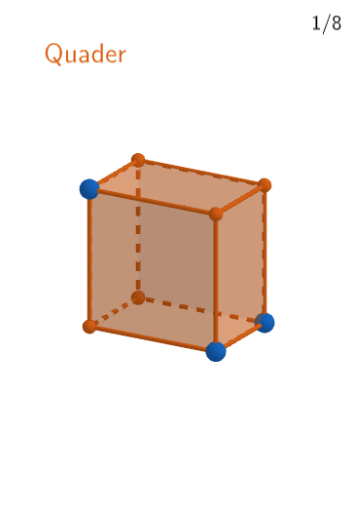
Wiederholung: Quader und Würfel
This example demonstrates the different views of cubes and cuboids using GeoGebra. It introduces spatial geometry concepts such as solid shapes, properties, and view transformations. Construction involves using commands like PointIn, Sequence, and Intersect to build geometric objects, with Shuffle for dynamic view adjustments. Suitable for elementary and middle school students for geometry learnin
GeoGebra Commands & Parameters
PointIn(xOyPlane) → quaderASequence(quaderA + (0, 0, i), i, 1, 5) → listforESequence(quaderA + (i, 0, 0), i, 1, 4) → listforBPoint(listforB) → quaderBSequence(quaderB + (0, i, 0), i, 1, 4) → listforCShuffle(1…numberOfQuestions) → randomQuestions, {6, 7, 5, 1, 8, 2, 3, 4}Element(randomQuestions, Mod[questionCount, Length[randomQuestions]] + 1) → randomQuestionElement(allQuestions, randomQuestion) → actualQuestionShuffle(Sequence[Element[actualQuestion, i], i, 2, numberOfAnswers + 1]) → actualAnswersShuffled, {{"Ein Quader hat\\ 24 Ecken.", false}, {"Ein Quader hat\\ 12 Kanten.", true}, {"Ein Quader hat\\ 6 Flächen.", true}}Element(actualAnswersShuffled, 3) → actualAnswer03Element(actualAnswer03, 2) → chk03ExpectedElement(actualAnswersShuffled, 2) → actualAnswer02Element(actualAnswer02, 2) → chk02ExpectedElement(actualAnswersShuffled, 1) → actualAnswer01Element(actualAnswer01, 2) → chk01ExpectedPoint(listforC) → quaderCIntersect(Line[quaderA, Segment[quaderB, quaderC]], Line[quaderC, Segment[quaderA, quaderB]]) → quaderDPoint(listforE) → quaderE