
Drawing Rectangles on Grid Paper 3
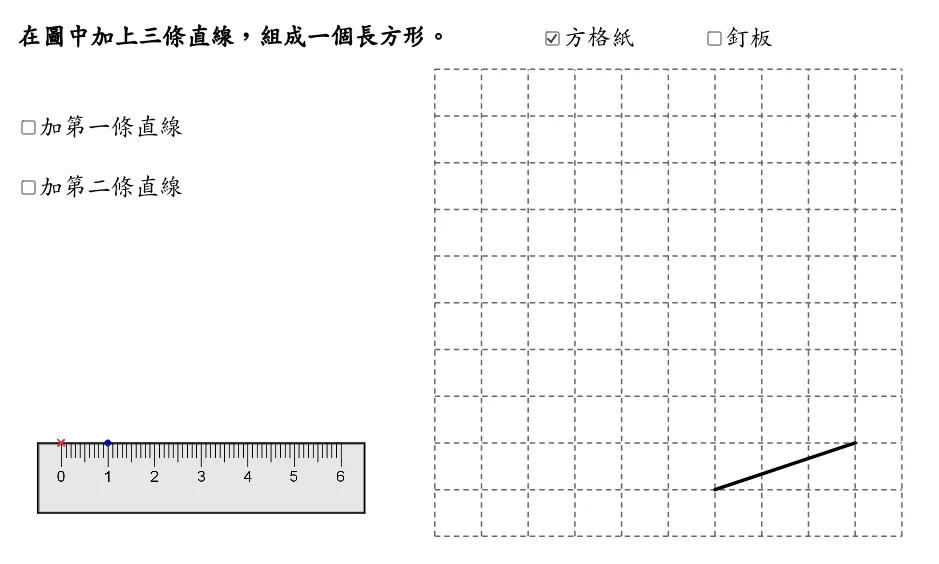
This GeoGebra applet demonstrates the geometric construction techniques for drawing rectangles on grid paper or a geoboard. Utilizing commands such as Point, Polygon, Segment, Vector, and Rotate, it dynamically illustrates the step-by-step construction process of a rectangle. The applet also features visual aids to display equal sides, right angles, equal opposite angles, and parallel sides, helping students intuitively understand the fundamental geometric properties of rectangles. Users can interact with the applet by manipulating points and observing how the rectangle responds in real time, reinforcing their understanding of geometric relationships. The visual feedback on congruent sides, perpendicular adjacent sides, and parallel opposite sides makes abstract properties concrete and accessible. This tool is ideally suited for introductory plane geometry instruction, supporting both classroom teaching and independent student exploration. It is appropriate for elementary and middle school mathematics curricula focused on understanding basic quadrilateral properties.
Loading the math board and drawing, please wait…