
Comparing Fractions - Expanding and Simplifying
Loading the math board and drawing, please wait…
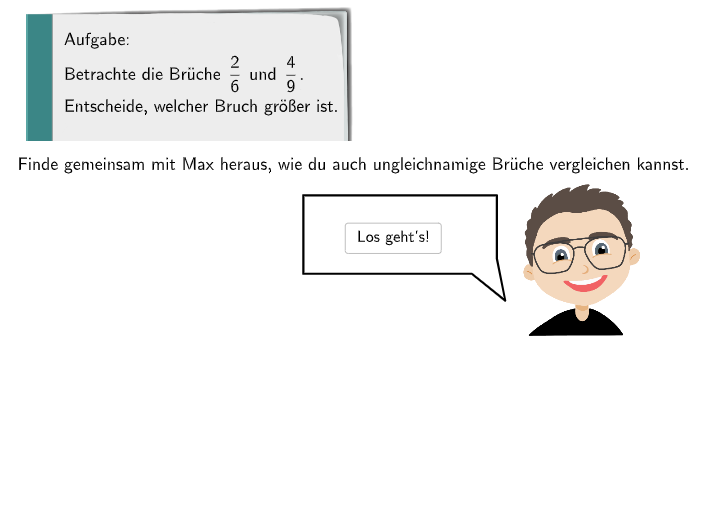
This example demonstrates how to compare fractions, particularly through expanding and simplifying. Key math concepts include comparing fractions, expanding, and simplifying. Construction points include using GeoGebra's SelectedIndex, SpeechBubbleRight, Textfield, and Polygon commands/objects. Suitable for middle school math education, particularly for comparing and operating fractions.
GeoGebra Commands & Parameters
SelectedIndex(dropdown) → indexSpeechBubbleRight(PBubbleMaxi, 4, 1.5) → BubbleMaxi1SpeechBubbleRight(PBubbleMaxi, 7, 2) → BubbleMaxi2SpeechBubbleRight(PBubbleMaxi1, 7, 1) → BubbleMaxi3Textfield(input1) → InputBox1SpeechBubbleRight(PBubbleMaxi1, 8.6, 1.2) → BubbleMaxi4Textfield(input2) → InputBox2Textfield(input3) → InputBox3Polygon((0.42, 0.56), (1.62, 0.56), (1.62, -1.14), (0.42, -1.14)) → q1, f, g, h, iPolygon((5.42, 0.54), (6.62, 0.54), (6.62, -1.16), (5.42, -1.16)) → q1_{1}, f_{1}, g_{1}, h_{1}, i_{1}SpeechBubbleRight(PBubbleMaxi1, 9, 1.2) → BubbleMaxi5SpeechBubbleRight(PBubbleMaxi1, 11.5, 2.5) → BubbleMaxi6